October 11, 2024
October 2024 Virtual Crop

Sweater weather? More like scrapbooking weather — the October Virtual Crop is here! Get comfy, gather your photos and favorite supplies and dive into a weekend filled with creativity and inspiration!
If this is your first time participating in a Virtual Crop and you would like a quick step-by-step guide of what to expect before you jump in, you can get ALL the details about Virtual Crops in this blog post, including how to participate (in our Virtual Crop Facebook Group), supplies you’ll need, examples of challenges, types of prizes and more.
Know what you’re looking for? Find it faster here:
In this post, you will find ALL four sketches for this crop (these four sketches are for the entire weekend; no additional sketches will be posted), a downloadable PDF with the four sketches for your convenience, hashtags to use when posting your challenge layouts in the Virtual Crop Facebook Group, prize information and layout inspiration. This is about to be an amazing weekend and we can’t wait to see what you create!
To ensure we see all your submissions for a chance to win, you’ll want to post each layout you complete as its own new post with the hashtag for that challenge. You have until Tuesday, Oct. 15, at 11:59pm CT (AU: Wednesday, 16 Oct., at 3:59pm AEDT) to submit your layouts for the chance to win a prize (more details on what you can win further down this post!). Again, we’re so excited that you’re here. Happy scrapping!


Challenge #1 — #CMVirtualCrop1October2024

Challenge #2 — #CMVirtualCrop2October2024

Challenge #3 — #CMVirtualCrop3October2024

Challenge #4 — #CMVirtualCrop4October2024


View the rules and how prizes are awarded here ?


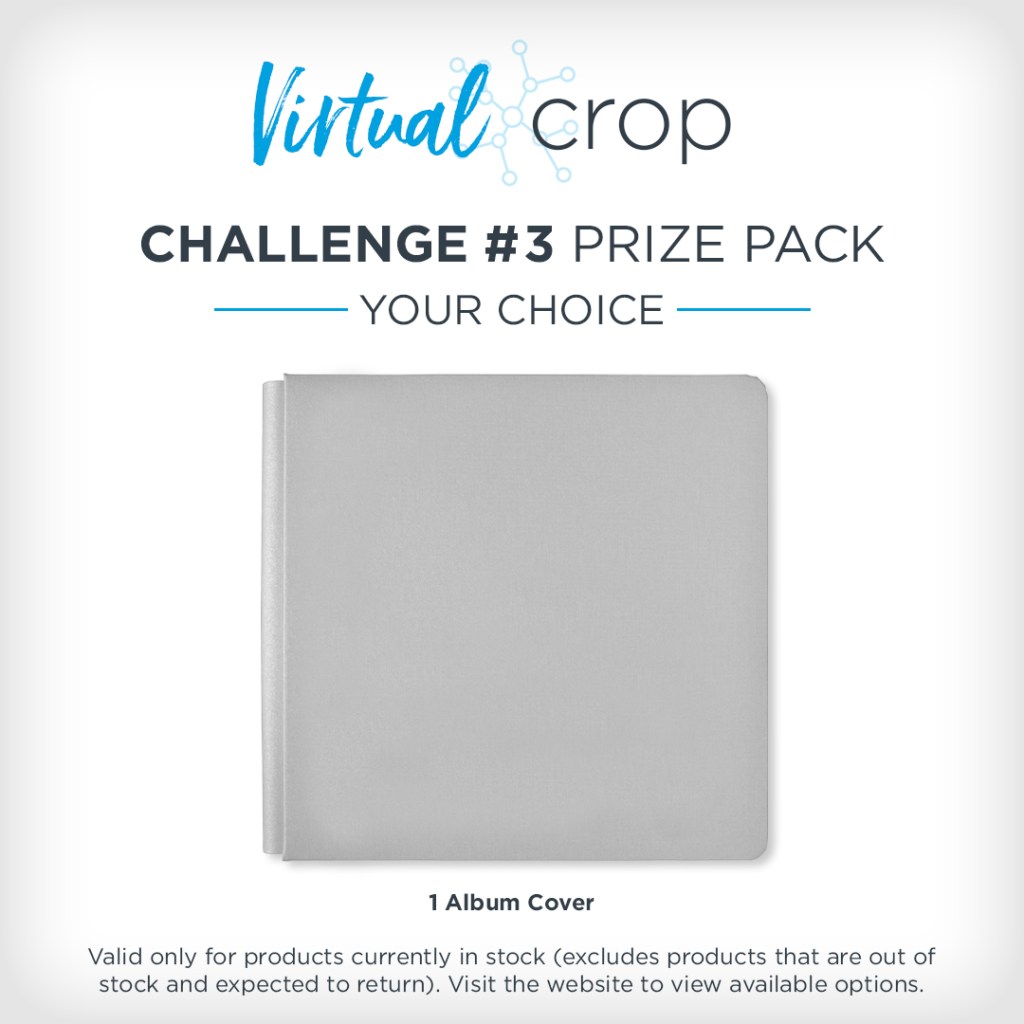

NOTE: The Prize Pack will be awarded to one (1) participant in each challenge. Valid only for products currently in stock (excludes products that are out of stock and expected to return).
We will award the prizes randomly, but to win, it must be evident you used the sketch we provided as inspiration to create a project using predominantly Creative Memories products. You have until Tuesday, Oct. 15, at 11:59pm CT (AU: Wednesday, 16 Oct., at 3:59pm AEDT) to submit your layout(s). Prize winners will be announced on Thursday, Oct. 17, at noon CT (AU: Friday, 18 Oct.).

Challenge #1

Collection Used: Boo-Yah! (Shop Canada | Shop Australia)
Noreen’s Tip: “For a bewitching layout, mix one hero paper, one tonal paper and several matching solid color cardstocks! And don’t be afraid to add a photo mat even if none are called for in the sketch. Here, 1/8“ black photo mats set the photos apart from the background and echo the black used in the spooky webs punched with the Spiderwebs Frame Punch!”
Challenge #2
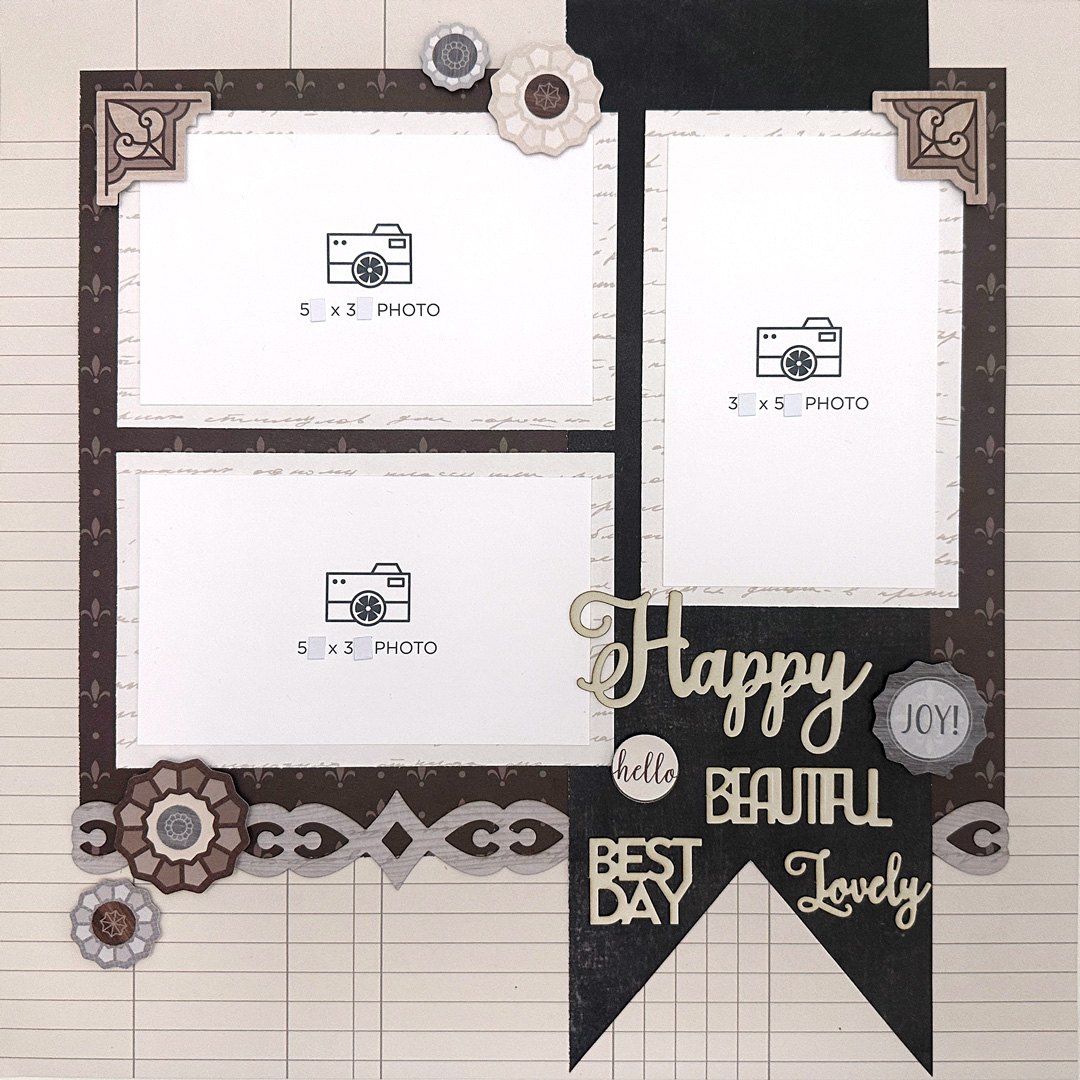
Collection Used: Wonderful Day (Shop Canada | Shop Australia)
Noreen’s Tip: “When using a neutral collection like Wonderful Day, focus on creating contrast by mixing warm and cool, light and dark.
Bonus tip: Customize your Photo Placement Mats to work for you! In this and the previous layout, the Photo Placement Mats were trimmed down from 3.5? x 5.5? to match the 3? x 5? photo size called for in the sketches. Then, pieces of Write On! Stickers were used to cover up the ‘.5’ on each measurement!”
Challenge #3
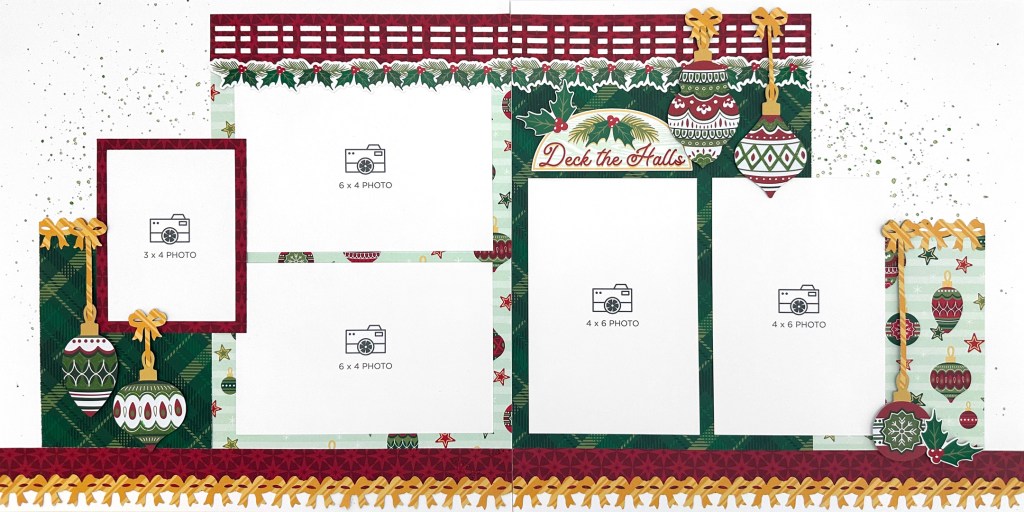
Collection Used: Christmas Charm (Shop Canada | Shop Australia)
Noreen’s Tip: “Use the Green Shimmer Brush Pen from the Christmas Charm Buy-it-All Bundle to add splashes and splatters of color to white base pages and embellishments! And try cutting out individual bows from the Ribbons & Bows punched borders to use as hangers for the stunning ornament die cuts!”
Challenge #4
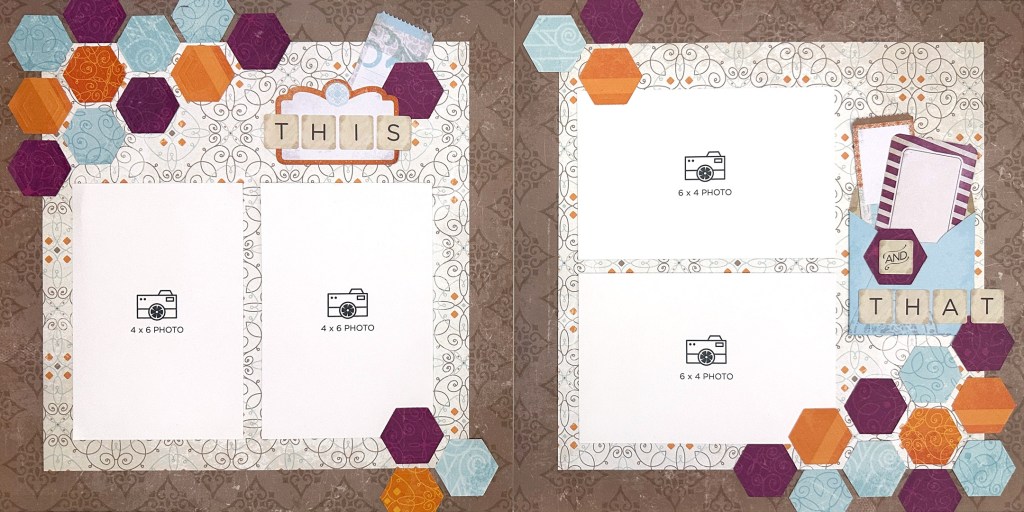
Collection Used: Vintage Chic (Shop Canada | Shop Australia)
Noreen’s Tip: “Collections that don’t feature iconic embellishments are perfect candidates for punched shapes! The Embossed Hexagon Punch makes quick work of punching all 30 hexagons from the Vintage Chic Tone-on-Tone Paper Pack. Make sure to orient all the hexagons in the same direction and line them up carefully to create that gorgeous honeycomb effect!”
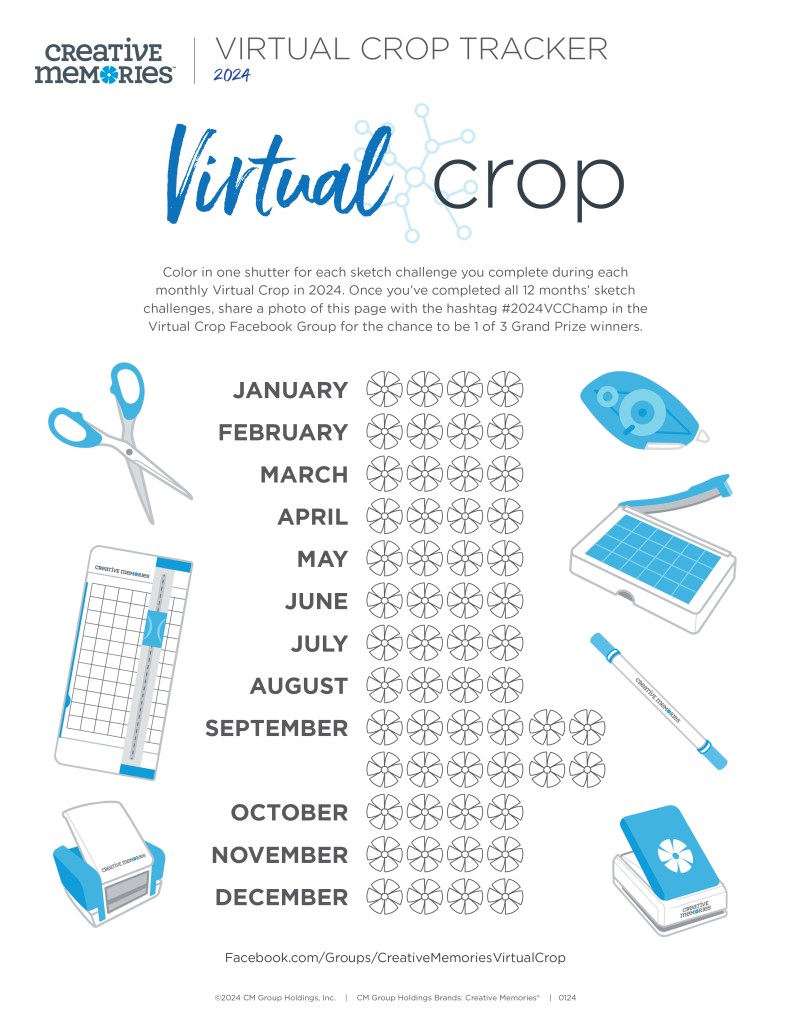
Virtual Crop Tracker
Have you been keeping your Virtual Crop Tracker up to date? This is your friendly reminder to fill in your tracker this weekend!
Color in one shutter for each sketch challenge you complete during each monthly Virtual Crop in 2024. Once you’ve completed all 12 months’ sketch challenges (that’s 56 completed pages you’ll be adding to your albums), share a photo of your colored-in page with the hashtag #2024VCChamp in the Virtual Crop Facebook Group for the chance to be one of three Grand Prize winners!
Want to try out the Virtual Crop digitally? Check out our demo of how to use Custom Refill Pages. When you complete the sketch, instead of snapping a photo of your layout, take a screenshot and submit it to the Virtual Crop Facebook Group.
- For how to take a screenshot on a Mac, get details here.
- For how to take a screenshot on a PC, get details here.
P.S. Are YOU a member of the Virtual Crop Facebook Group? It’s your go-to place for MONTHLY Virtual Crops, MONTHLY Completed Album Challenges, QUARTERLY Secret Box Openings with project tutorials and so much more! We hope you’ll join our community of more than 40,000 fellow memory-keeping enthusiasts — you’ll feel right at home!
“Creativity is intelligence having fun.” – Albert Einstein

Four great sketches! And Noreen’s inspired layouts combined with sketches -> use just as they are yet flexible to adjust to your choice of colors, designs, embellishments, tools, and of course # of photos. Thanks for showcasing the photo size placement mats in action.