May Completed Album Challenge PLUS a Layout Perfect For Showcasing Family Traditions
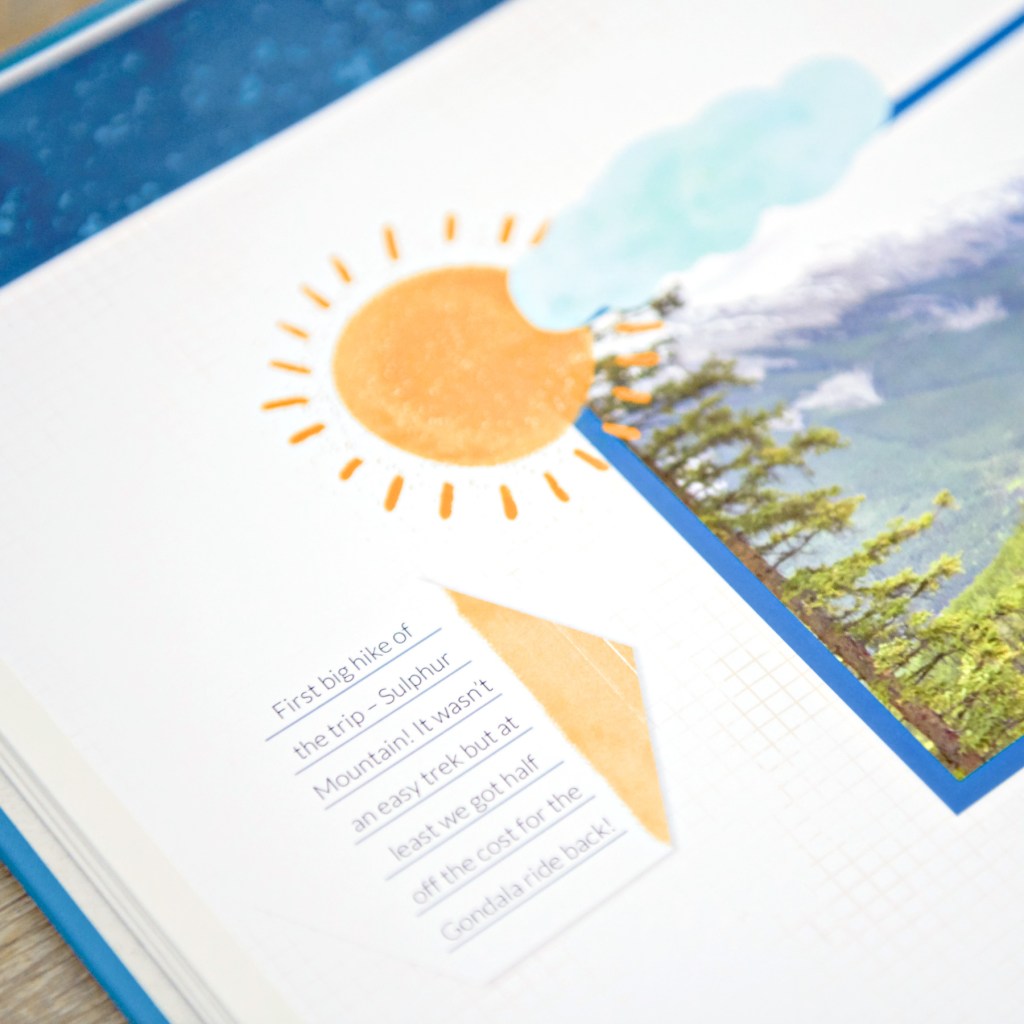
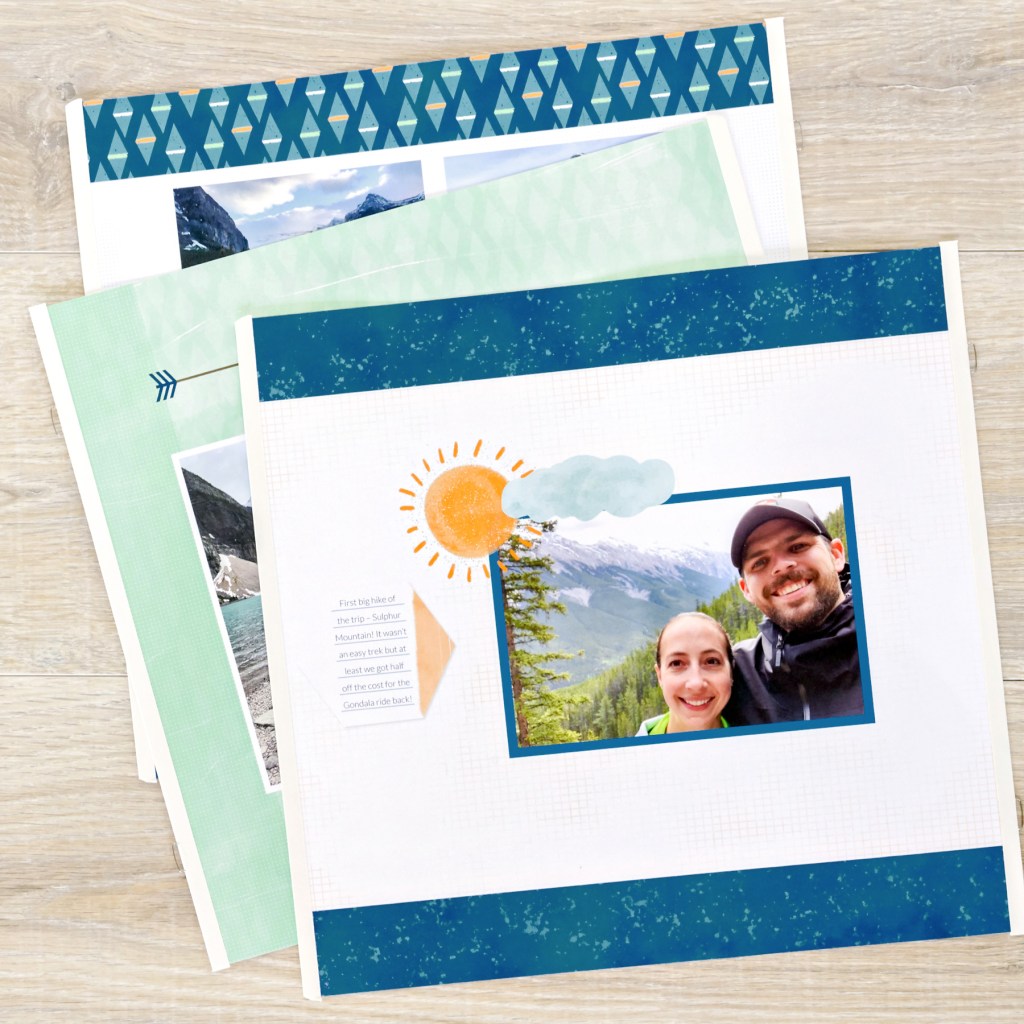
Finished an album this month? Now’s the perfect time to head over to the Virtual Crop Group and show it off during the May Completed Album Challenge! If you need inspiration to get those last few pages done, check out this timeless single-page layout that is the perfect balance of vintage and modern!
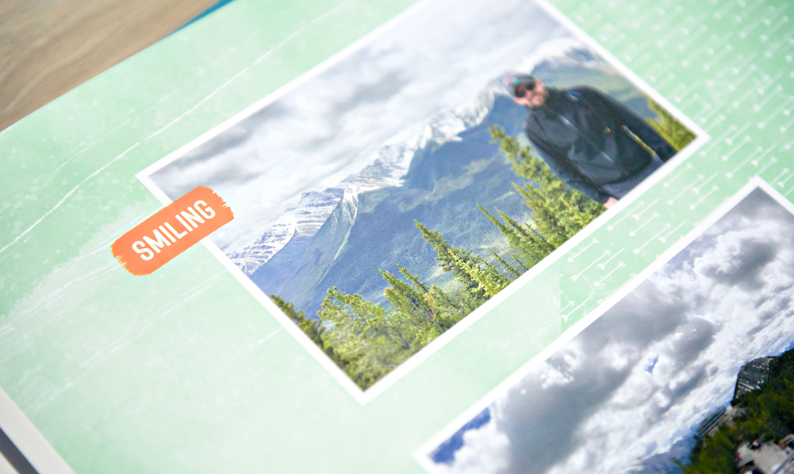
It’s time for your creativity to take center stage — the May Virtual Crop starts NOW, and you’re in for a weekend packed with fresh inspiration, connection and scrap-happy fun! Get excited for 4 brand-new sketch challenges designed to make scrapbooking your memories a breeze.
If this is your first time participating in a Virtual Crop and you would like a quick step-by-step guide of what to expect before you jump in, you can get ALL the details about Virtual Crops in this blog post, including how to participate(in our Virtual Crop Group), supplies you’ll need, examples of challenges, types of prizes and more.
Making Memories With a Pull Tab Greeting Card for Mother’s Day
Nothing says “I love you” quite like a handmade gift. This Mother’s Day, let’s create something truly special and interactive — a charming Pull Tab Greeting Card! This fun project allows you to showcase your favorite photos and memories in a delightful way that will be cherished. Imagine her surprise as she pulls the tab and reveals a cascade of beautiful images and heartfelt messages!
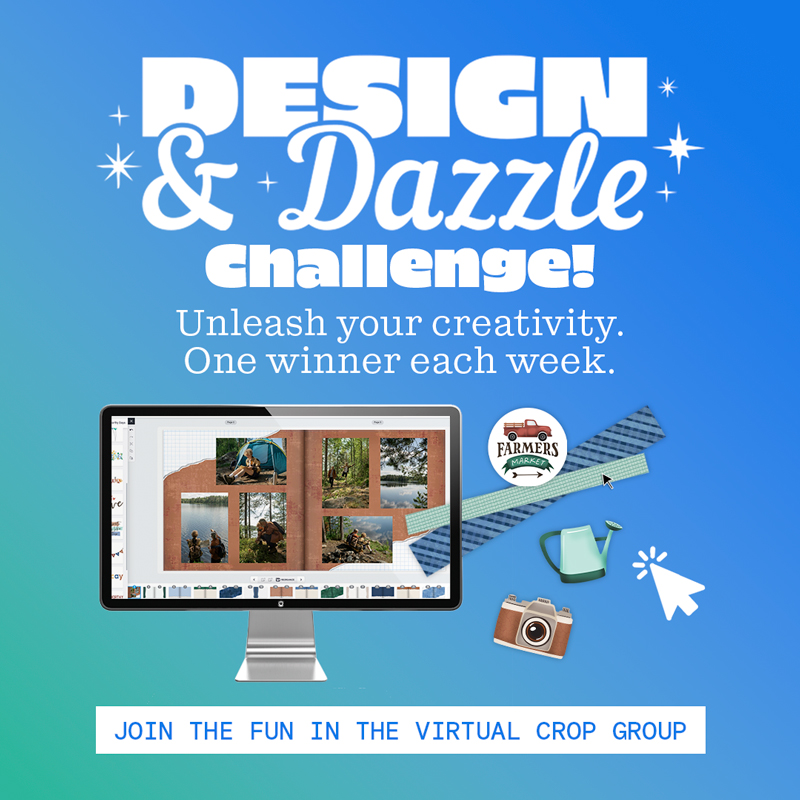
Join the May Design & Dazzle Challenge to Win a FREE Custom Cover!
Custom Products and Digital Artwork Kits are back now for a limited time, May 1-30, and we’re challenging you to get creative and show off your skills by creating a Digital Artwork layout or Custom Theme project and sharing it in the Virtual Crop Group. Whether you’re a seasoned digital designer or trying it for the very first time, this is your opportunity to dazzle us — and help shape the future of these products! The more participation we see, the more likely Custom Products and Digital Artwork Kits will return twice a year.
If you want to learn more about all the Digital and Custom Products we have to offer, stick with us through the second half of this post, where you will find examples, educational materials and more! Now, let’s check out the “How to Create a Custom Album” video below to get started.
Here’s What You’ll Want to Know:
Custom Products (covers, albums, pages and 8×8 paper albums) and 277 Digital Artwork Kits will be available to order May 1-30.
There will be 2 print cycle runs for Custom Products:
Order by May 19 ? Ships by May 23
Order by May 30 ? Ships by June 6
The Design & Dazzle Challenge runs May 1-30.
How to Participate:
Create a layout using a Digital Artwork Kit OR a Custom Theme Project using the FREE Creative Memories Designer. You can follow a sketch or design your own. Please watch the videos — they will help you get started in the Creative Memories Designer! Note: You do not have to purchase your design to enter the challenge!
Take a screenshot of your completed project. (Instructions for Mac | PC)
Post your screenshot in the Virtual Crop Group using the hashtag #DAZZLED by Friday, May 30, at 11:59pm CT (AU: Saturday, 31 May, 2:59pm AET).
Prizes: Each week, we will choose one dazzling designer who will get a coupon to print a Custom Album Cover! Winners will be selected from all eligible #DAZZLED posts from that week.
Check out the list of Digital and Custom Products we have below for tips, examples and more educational materials!
Use the optional sample sketches to inspire you! You can use them exactly as-is or create your own spin.
Optional Sketches:
Now for a Spotlight on Our Returning Custom Products:
Let’s take a closer look at each of our custom offerings and how you can make the most of them. Use the educational links below to help with the Design & Dazzle Challenge!
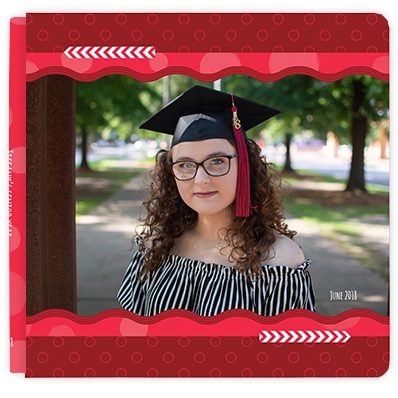
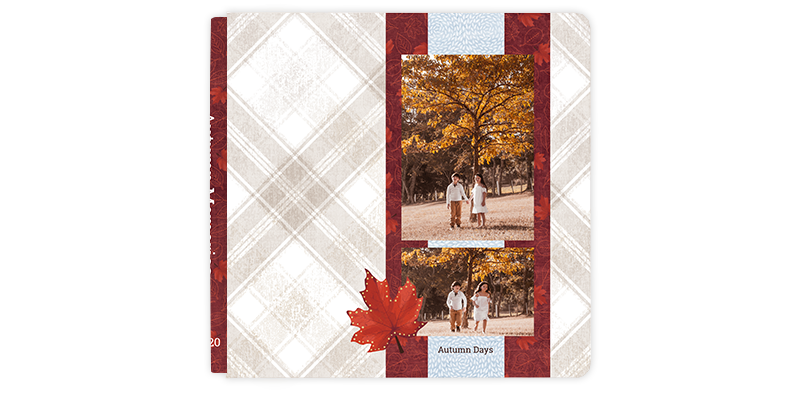
Custom Album Covers
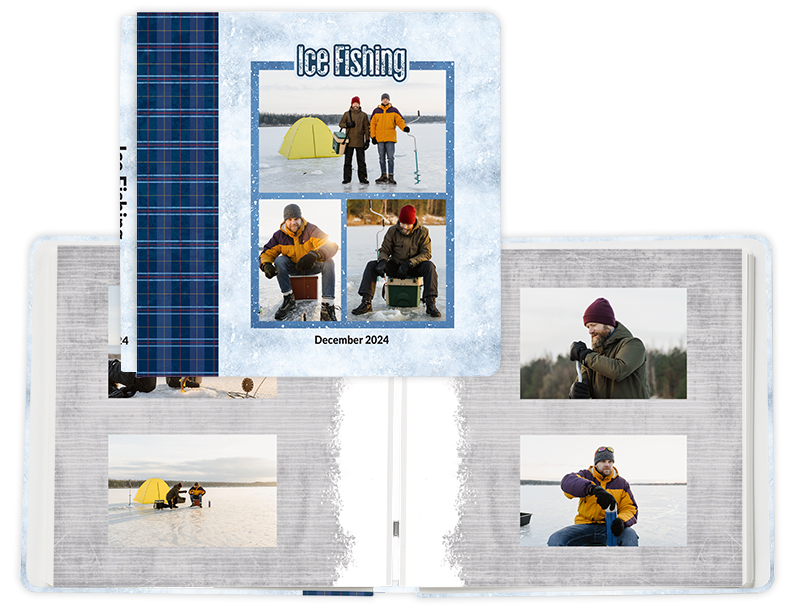
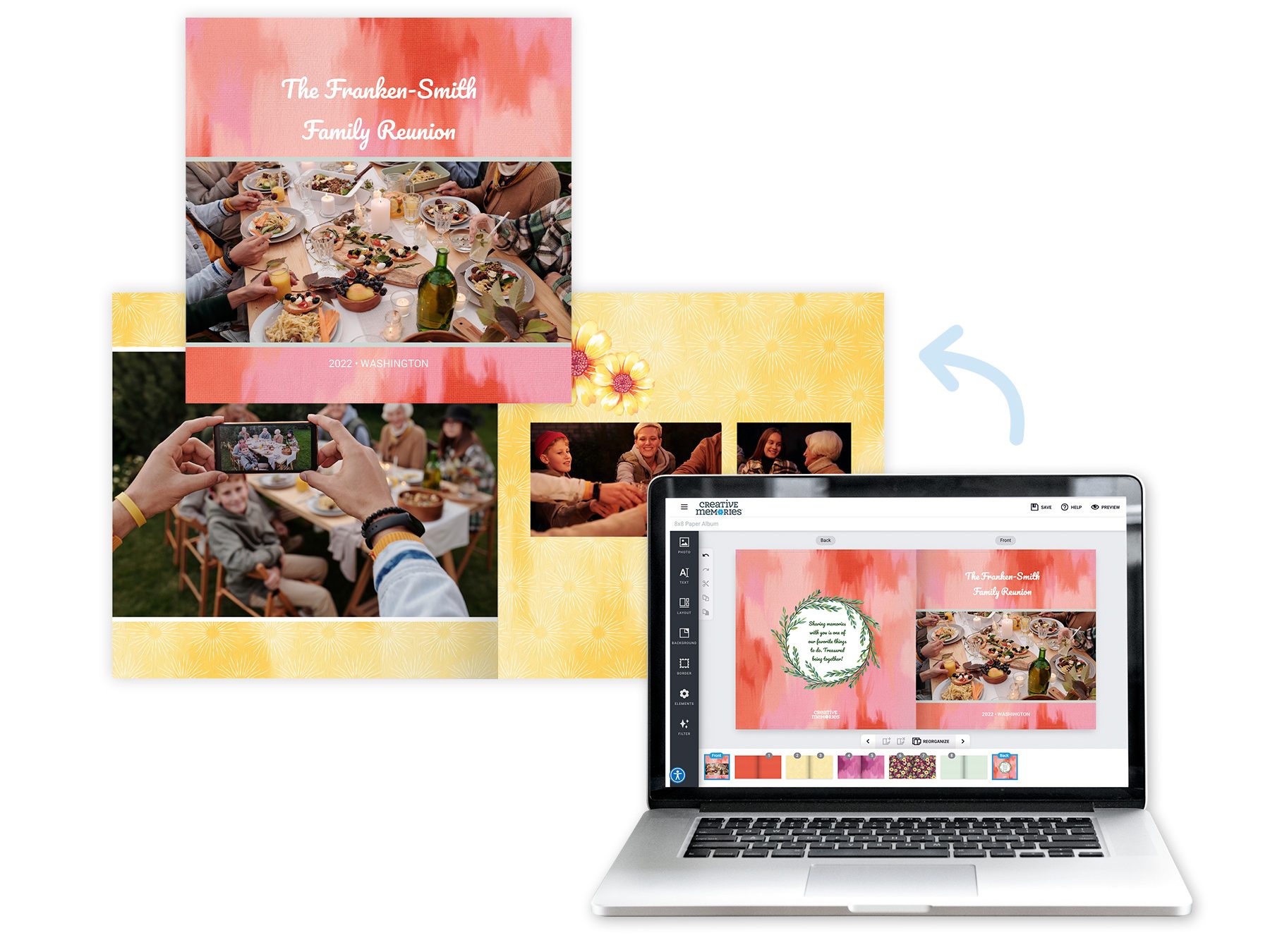
Quick Info: Design the perfect cover to reflect the theme of your album, whether it’s a family vacation, a baby’s first year or a collection of cherished moments. These album covers are still your favorite bookcloth material, but printed with your own custom designs! We have pre-loaded backgrounds and elements (from various Creative Memories collections for your free use) or upload your photos to make them the star of your album cover!
How to Use:
Upload your favorite photos directly to the Designer.
Add text, titles and dates to personalize your cover.
Choose from various layouts, elements and backgrounds to create a unique look.
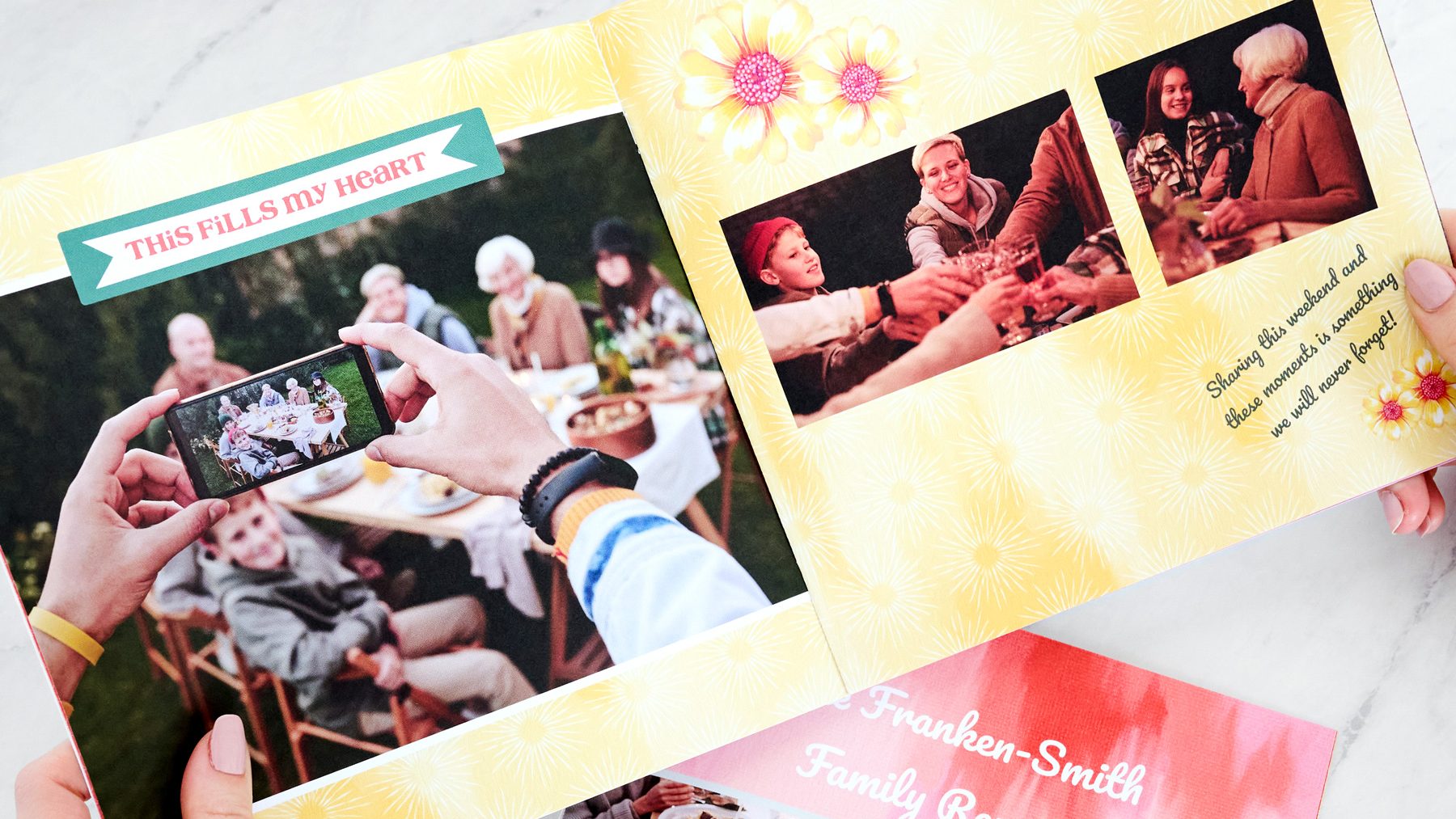
Quick Info: Create 16 pages with your own designs, perfect for highlighting special events or adding unique flair to your album. These pages still have the protected edge and reinforced edging you know and love from Creative Memories to seamlessly fit in your albums. Use full-page photos, utilize the built-in layouts, type and design on your pages! You can keep them digitally designed or enhance with physical embellishments, journaling and Peekaboo Pockets!
How to Use:
Utilize our Designer tool to arrange photos, add text and include digital elements.
Design pages that match a theme or tell a story with the built-in Creative Memories collections and elements.
Mix and match Custom Pages with our standard Refill Pages.
Please note: If your goal is to create a Complete Custom Album (cover + refill pages) during this challenge, then you will want to start by choosing the Complete Custom Album and not the Custom Album Cover or Custom Refill Pages (separately).
8×8 Custom Paper Albums
Quick Info: Create smaller, personalized albums ideal for gifts, mini-projects or themed collections with our 8×8 Custom Paper Albums. These albums are fully paper and in our smaller 8×8 size, but are custom-designed by you on every page!
How to Use:
Design each page and the cover with photos, text and digital elements.
Utilize built-in layouts to create visually appealing spreads.
Assemble a Custom Paper Album with coordinating themes and styles.
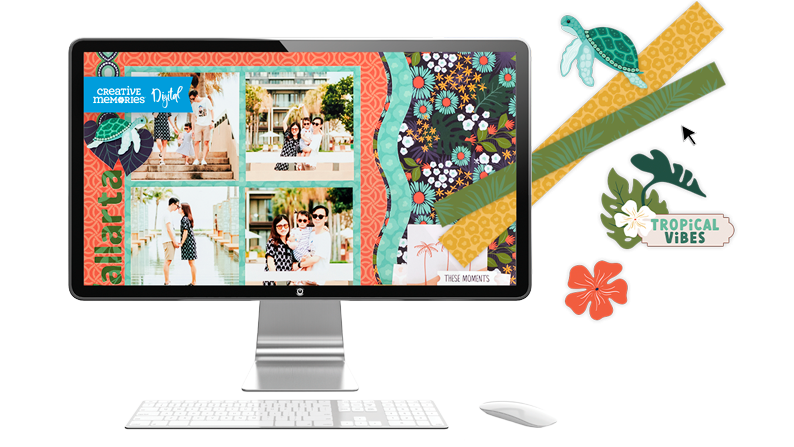
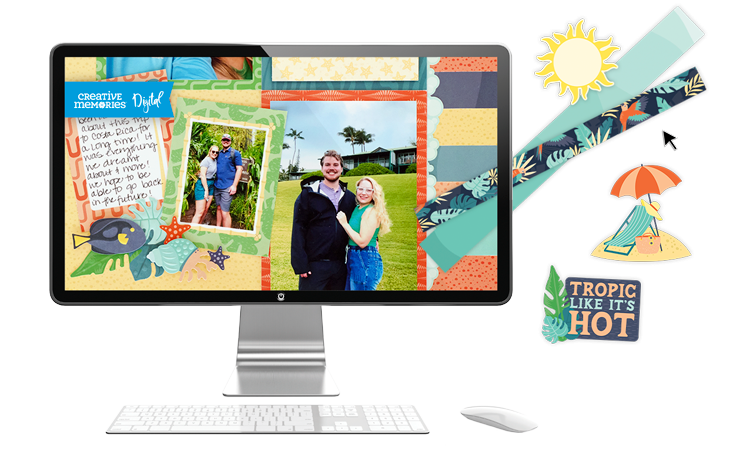
Quick Info: Build layouts digitally and print them yourself with our range of Digital Artwork Kits, which include digital papers, stickers, embellishments and more.
How to Use:
Download and integrate Digital Artwork into your page designs.
Find your Digital Artwork in your Downloads folder on your existing Creative Memories account.
This limited-time return of our Digital Artwork Kits and Custom Products is your chance to capture memories in a truly personal way. Whether you’re creating a gift, preserving family history or simply expressing your creativity, we can’t wait to see what you design.
Remember to participate in the Design & Dazzle Challenge and share your creations with our Virtual Crop community with the hashtag #DAZZLED. Happy Scrapping!