November 13, 2026
The November 2026 Virtual Crop is HERE!
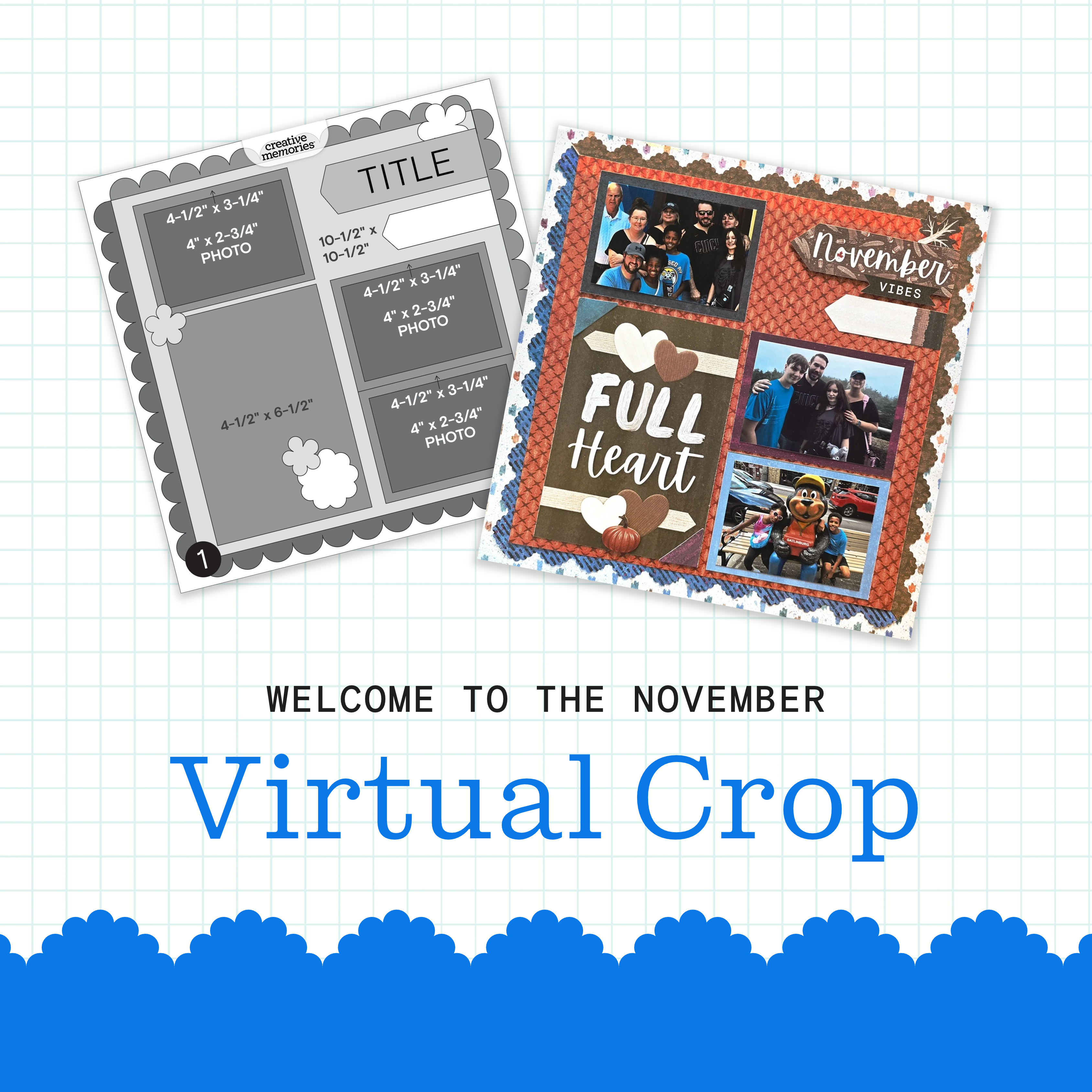
It’s officially time for the November Virtual Crop! This is your invitation to a weekend full of inspiration, connection and fun! Let’s get started!
If this is your first time participating in a Virtual Crop and you would like a quick step-by-step guide of what to expect before you jump in, you can get ALL the details about Virtual Crops in this blog post, including how to participate (in our Virtual Crop Group), supplies you’ll need, examples of challenges, types of prizes and more.
Know what you’re looking for? Find it faster here:
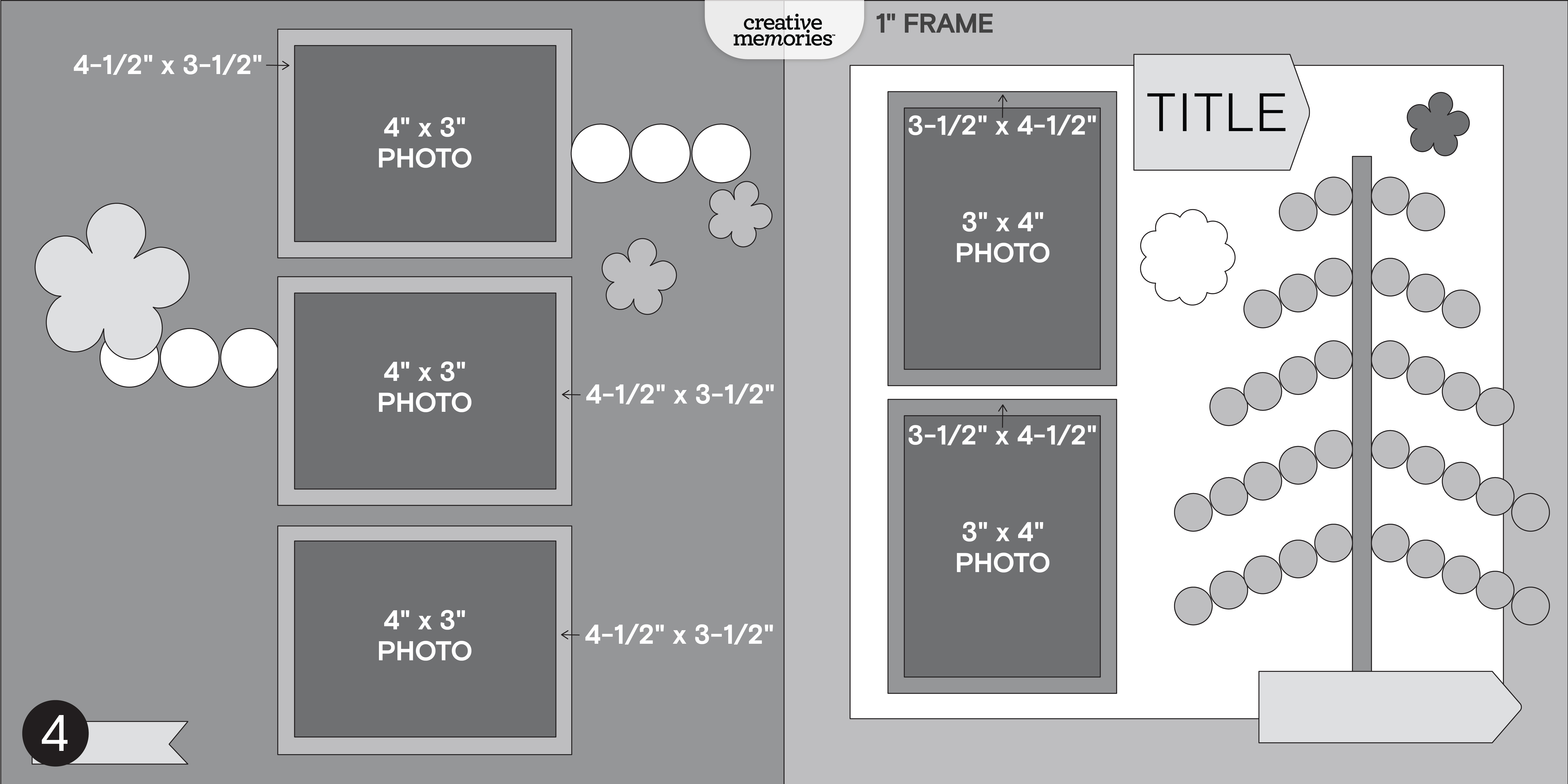
In this post, you will find ALL four sketches for this crop (these sketches are for the entire weekend; no additional sketches will be posted), a downloadable PDF with the four sketches for your convenience, hashtags to use when posting your challenge layouts in the Virtual Crop Group, prize information and layout inspiration. This is about to be an amazing weekend and we can’t wait to see what you create!
To make sure we see all your submissions for a chance to win, you’ll want to post each layout you complete as its own new post with the hashtag for that challenge. You have until Tuesday, November17 at 11:59pm CT (AU: Wednesday, 18 November, at 2:59pm AET) to submit your layouts for a chance to win (more details on what you can win further down this post!). Again, we’re so excited that you’re here. Happy scrapping!
Now, let the fun begin!
Watch: November Virtual Crop Kickoff Video!
Meet the Sketches
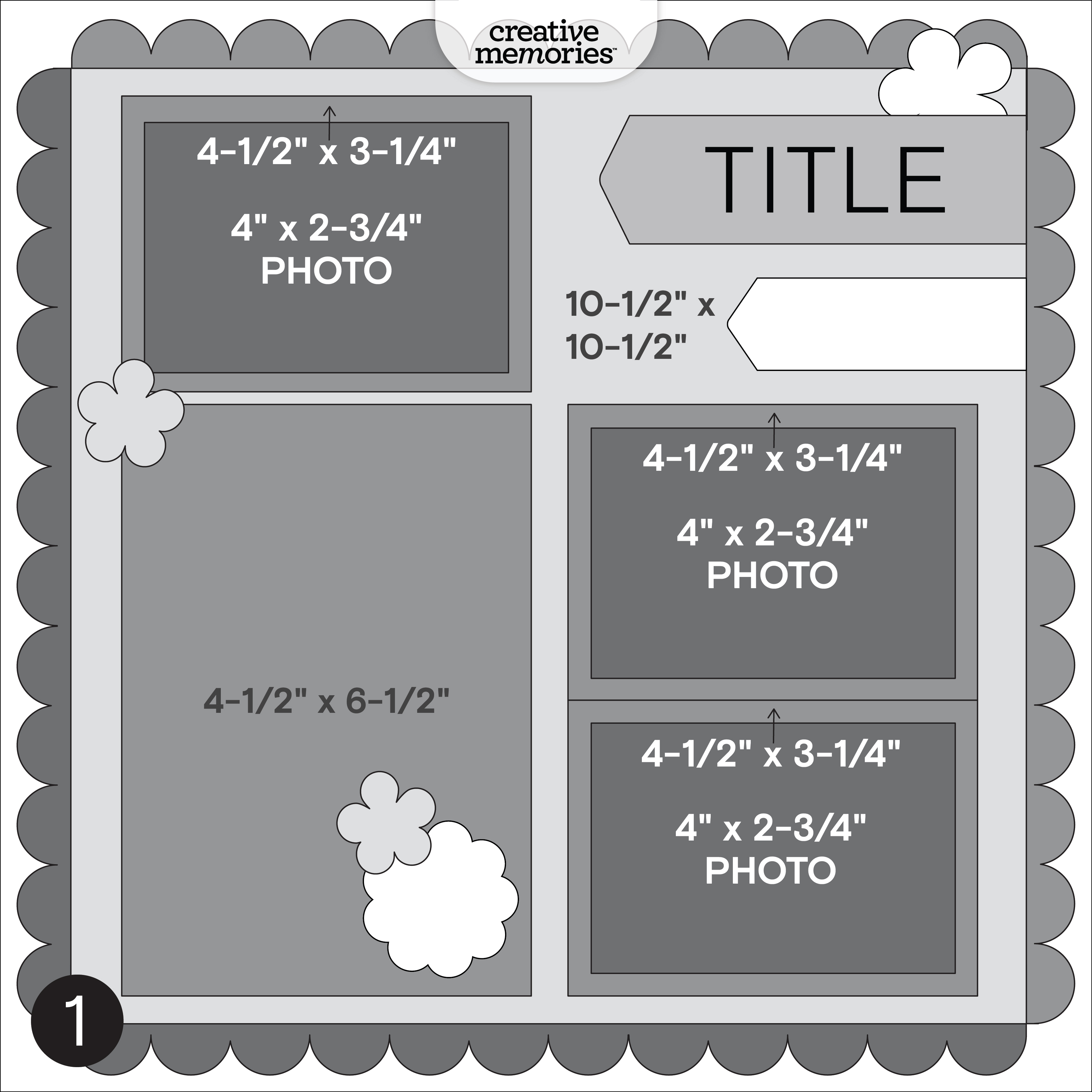
Challenge #1 — #CMVirtualCrop1November2026
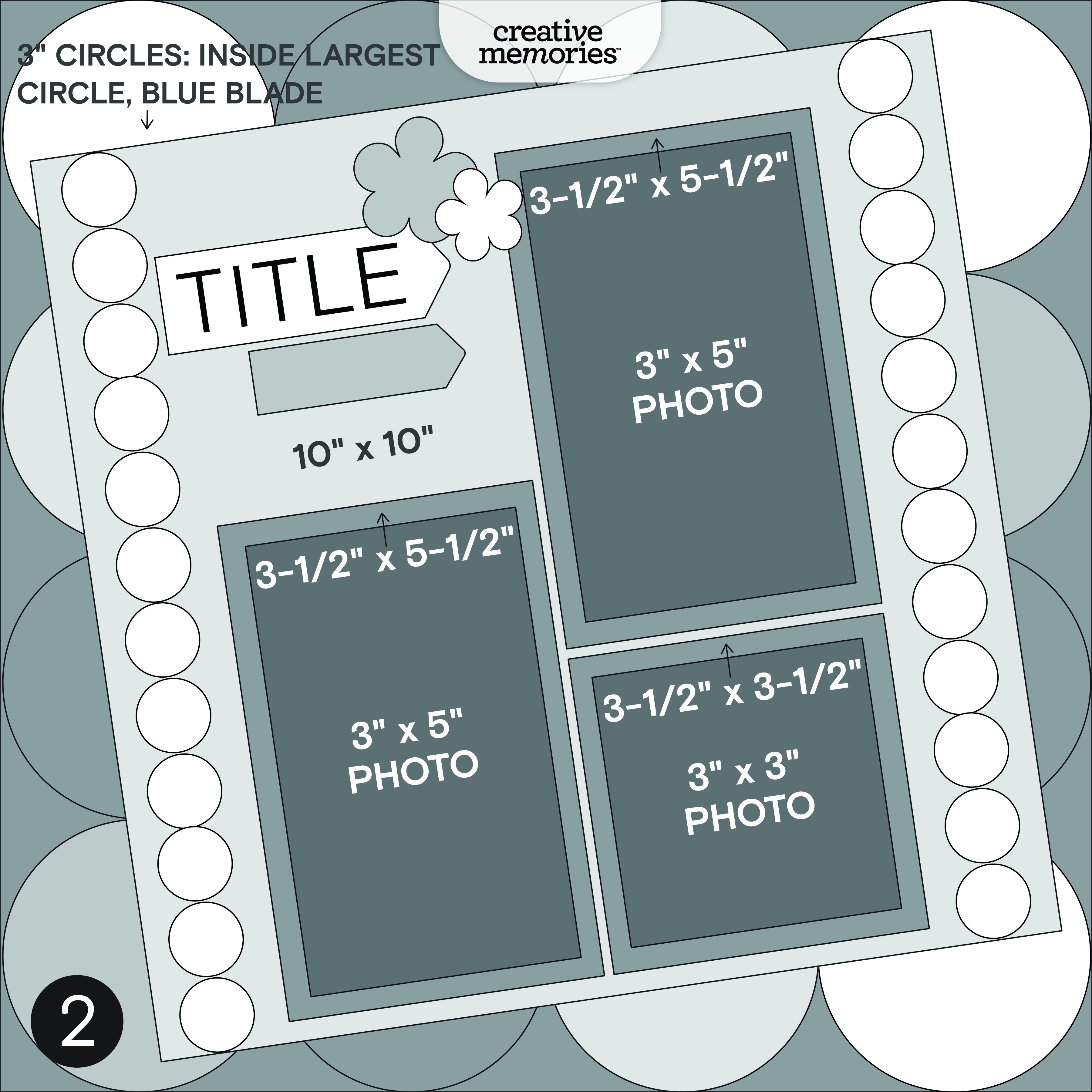
Challenge #2 — #CMVirtualCrop2November2026
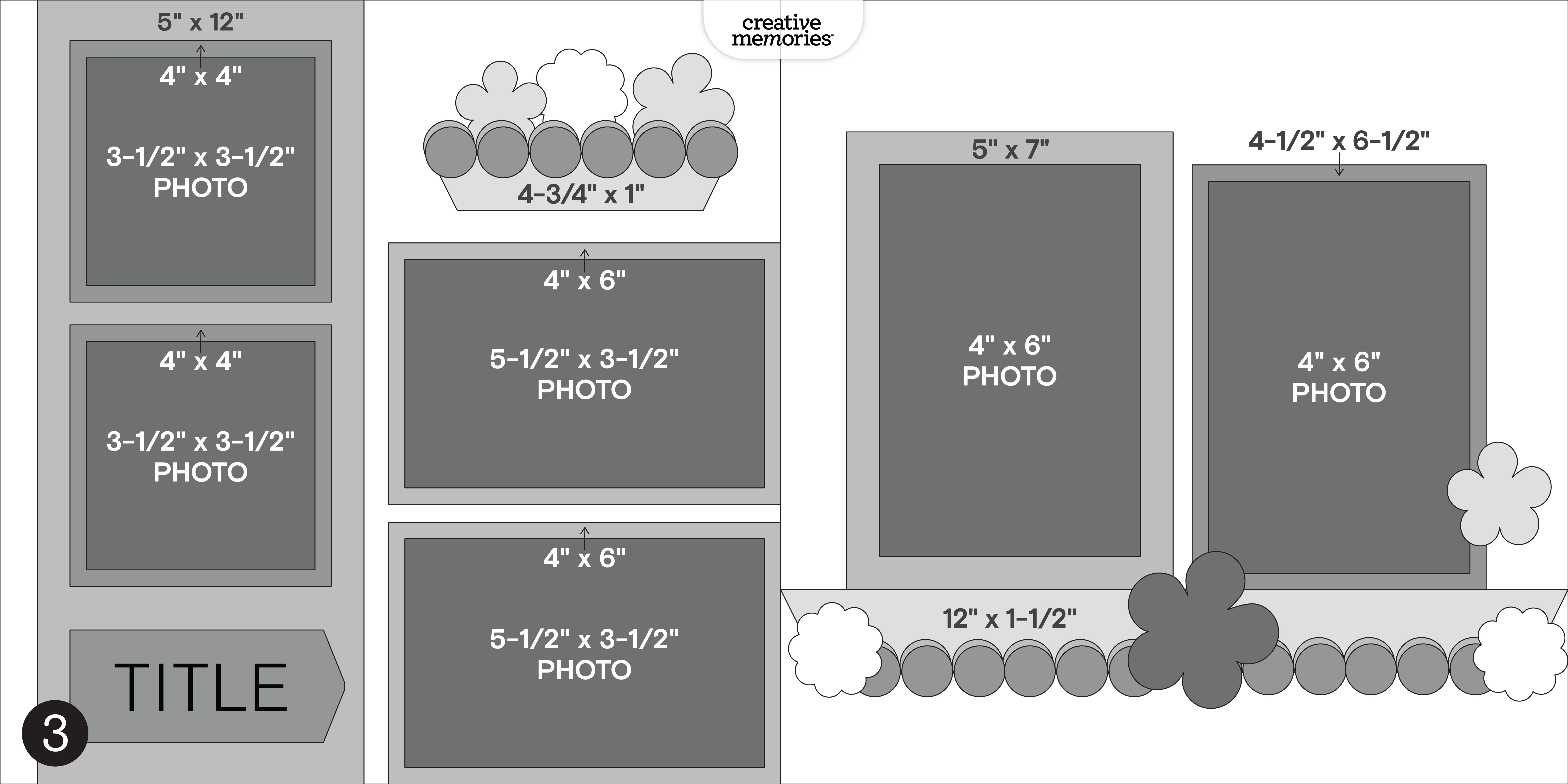
Challenge #3 — #CMVirtualCrop3November2026
Challenge #4 — #CMVirtualCrop4November2026
Here’s some inspiration…
Challenge #1
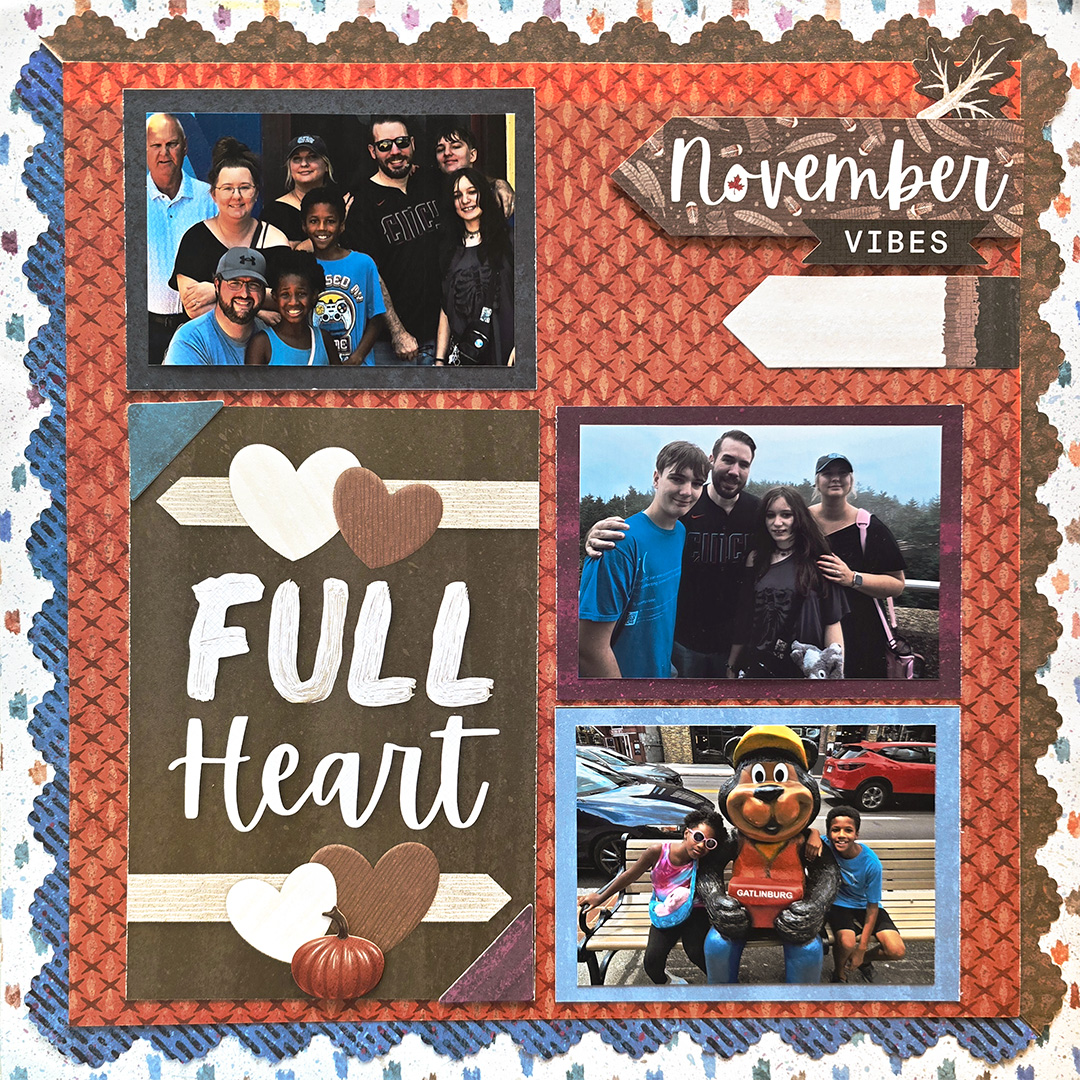
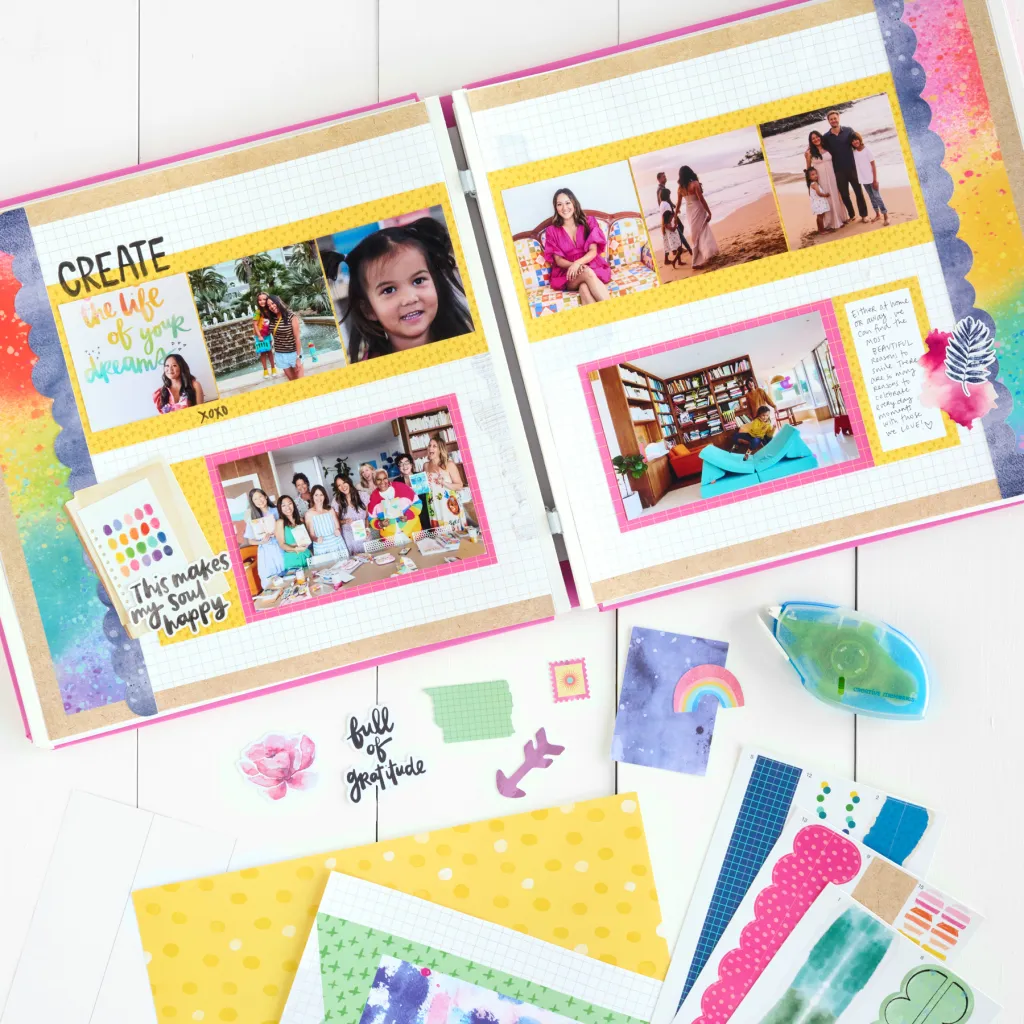
Collection Used: Your Own Way
Debbie’s Tip: This one is made with nothing but Your Own Way paper, stickers and mats! For the scalloped frame, Debbie recommends the Sunrise Scallop Border Maker Cartridge “or another simple Border Maker Cartridge that stays on the page, not chain.” Her trick for punching the frame? “Fold paper on the diagonal, then fold again on the diagonal and punch the open side!” Open it once, place the flat side at the top and cut it in half. Then cut a 10-1/2″ x 10-1/2″ piece of paper “that will cover up your folds.”
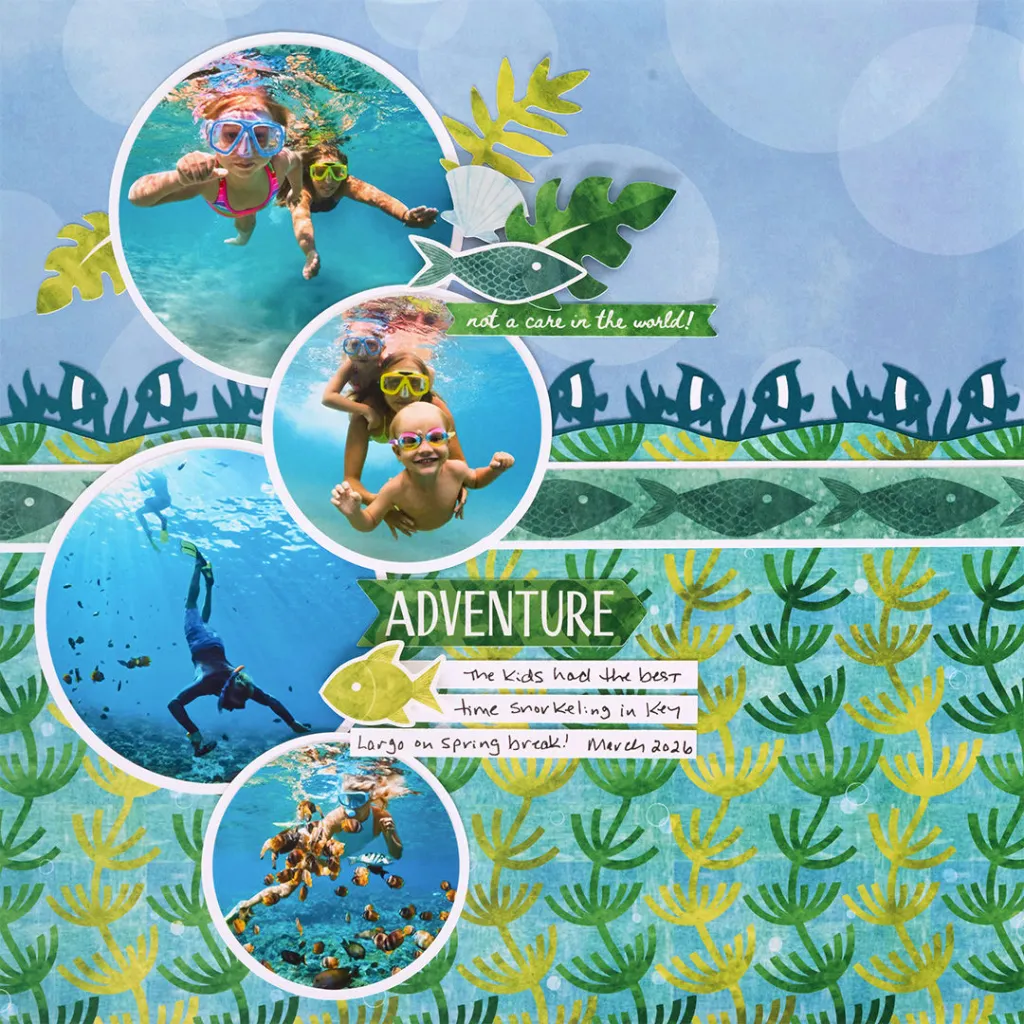
Challenge #2
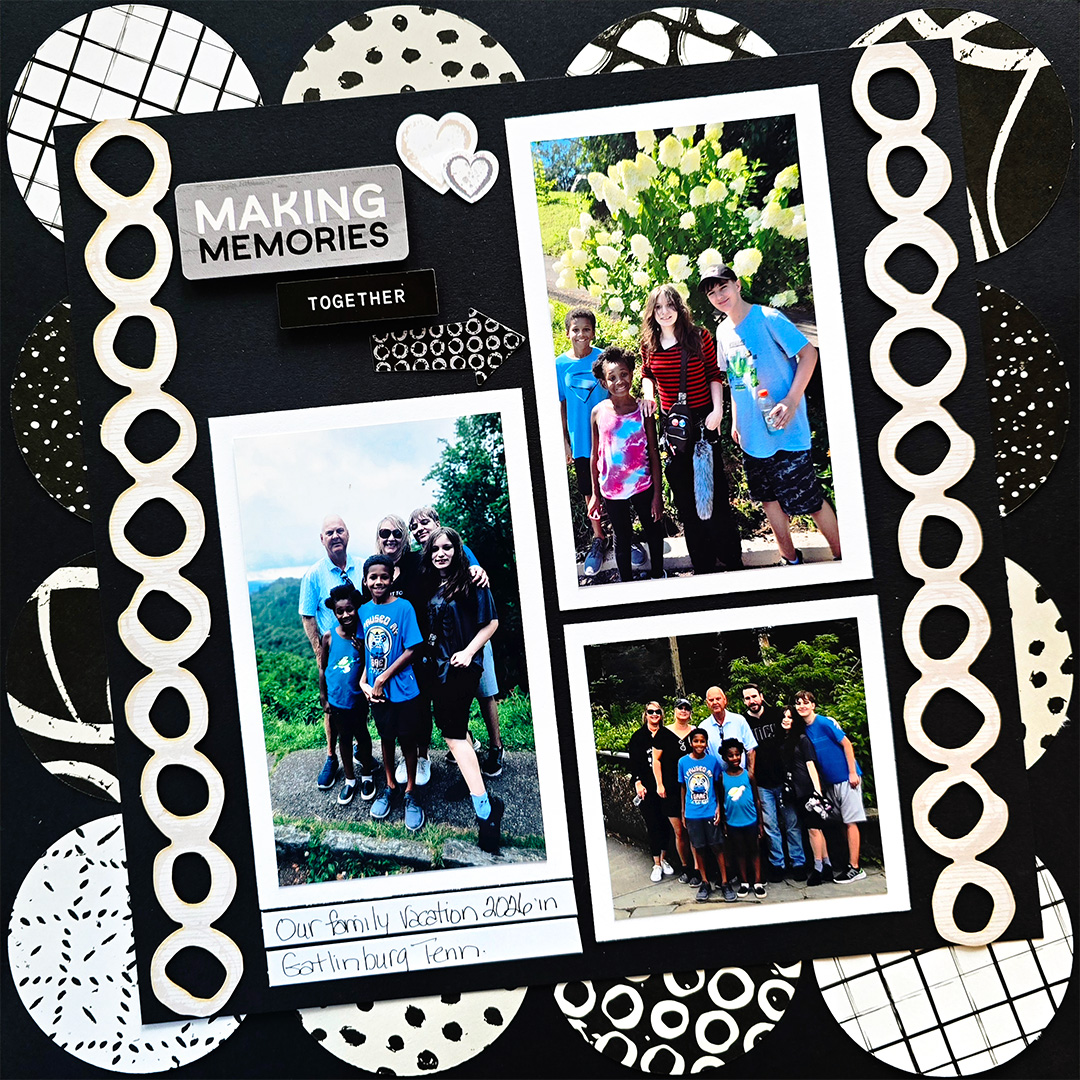
Collection Used: Blackout Brush
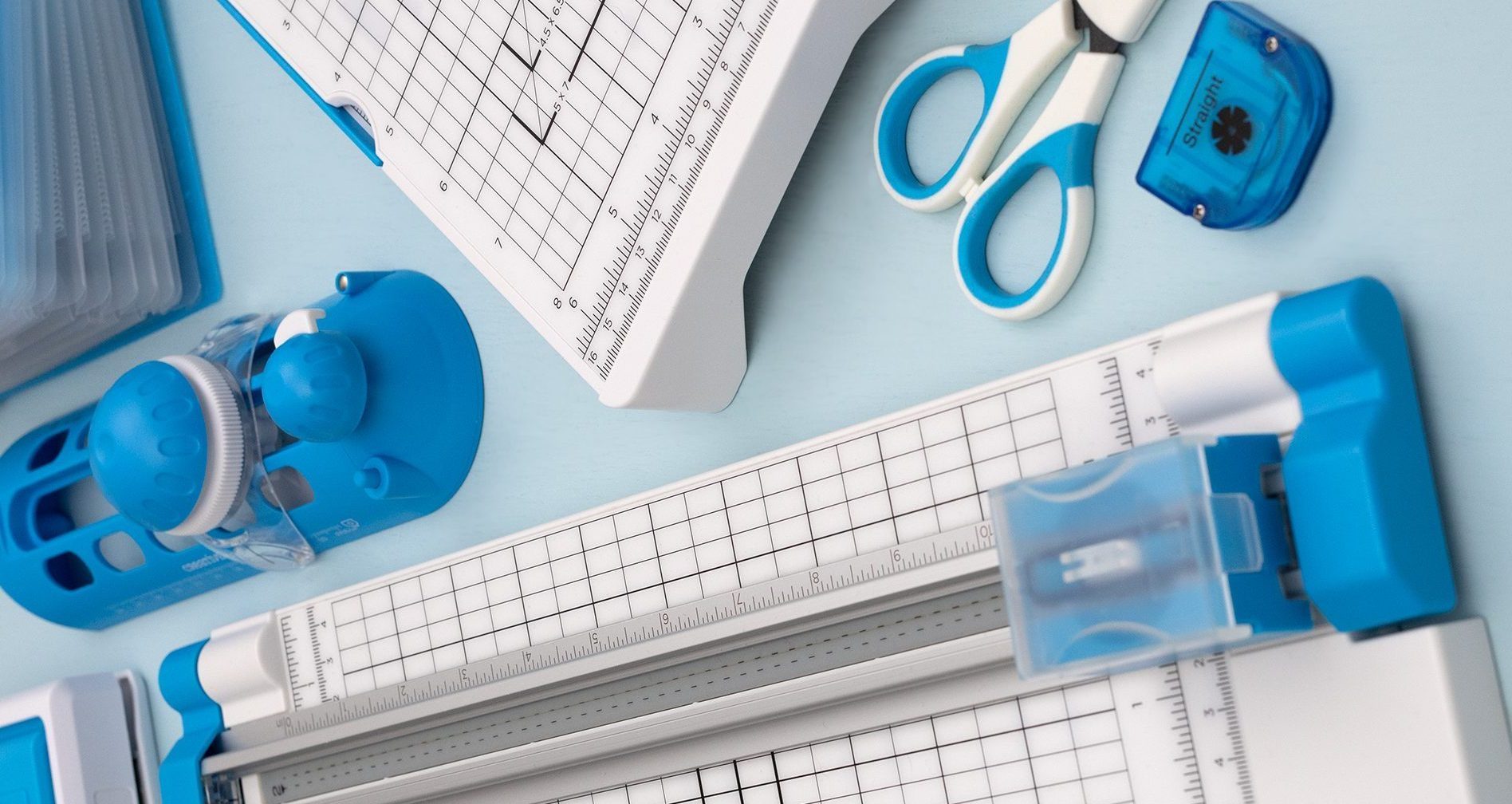
Debbie’s Tip: “Pick two or three designer print papers you like both sides of.” You’ll need 12 circles, which Debbie cut with the largest Custom Cutting System circle and the Blue Custom Cutting System Blade Cartridge on the inside cut. “You can save paper by taking your base paper and cutting a 2″ frame,” or simply start with a solid cardstock base. Arrange the circles all the way around the page so they’re just touching the edges, then top it off with a 10″ x 12″ mat placed straight or on a slight angle.
Challenge #3
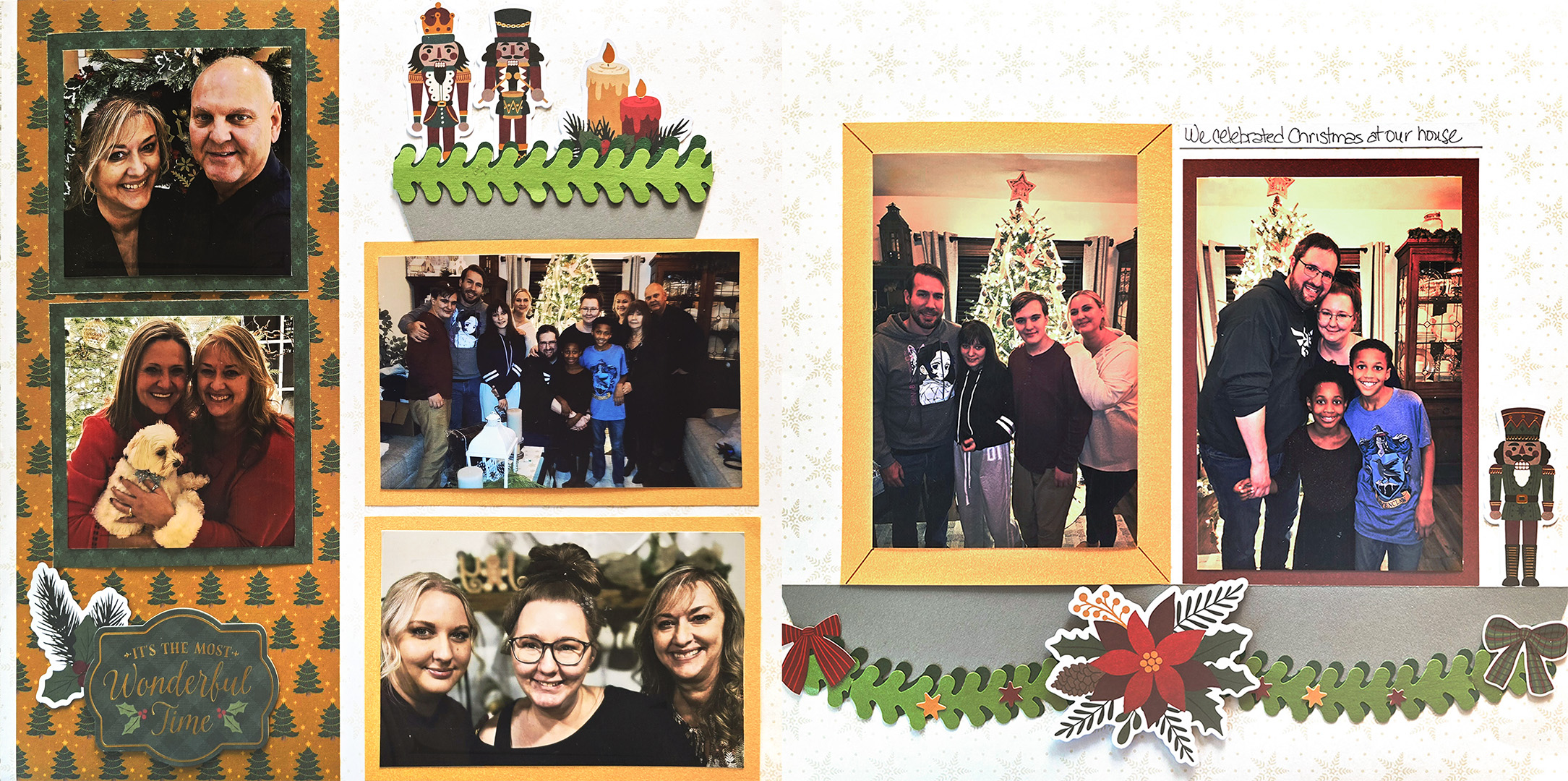
Collection Used: Timeless Tidings
Debbie’s Tip: The shelves are the star of this layout! Debbie started with a 5″ x 12″ piece of paper, then cut two shelves from a neutral color: a 1″ x 4-3/4″ strip for the smaller shelf and a 1-1/2″ x 12″ strip for the larger one. To give each shelf its shape, “measure in 1/2″ from the bottom of strip on both sides and mark with a pencil,” then place it back in the trimmer and cut from the upper corner down to your mark on each side.
For the greenery, she punched two strips each from Parakeet Shimmer Paper and Dark Green Solid Cardstock with the Evergreen Edge Chain Border Maker Cartridge, trimmed one of each to 4-3/4″ for the small shelf and layered the darker border behind the lighter one. “To sway your evergreen, take scissors and cut about 3/4 of the way through every third one in between the larger parts.” Finish with your photo mats: two 4″ x 4″, two 4″ x 6″, one 4-1/2″ x 6-1/2″ and one 5″ x 7″. Want that 5″ x 7″ mat to look like a frame? Debbie says “use a pen.”
Challenge #4
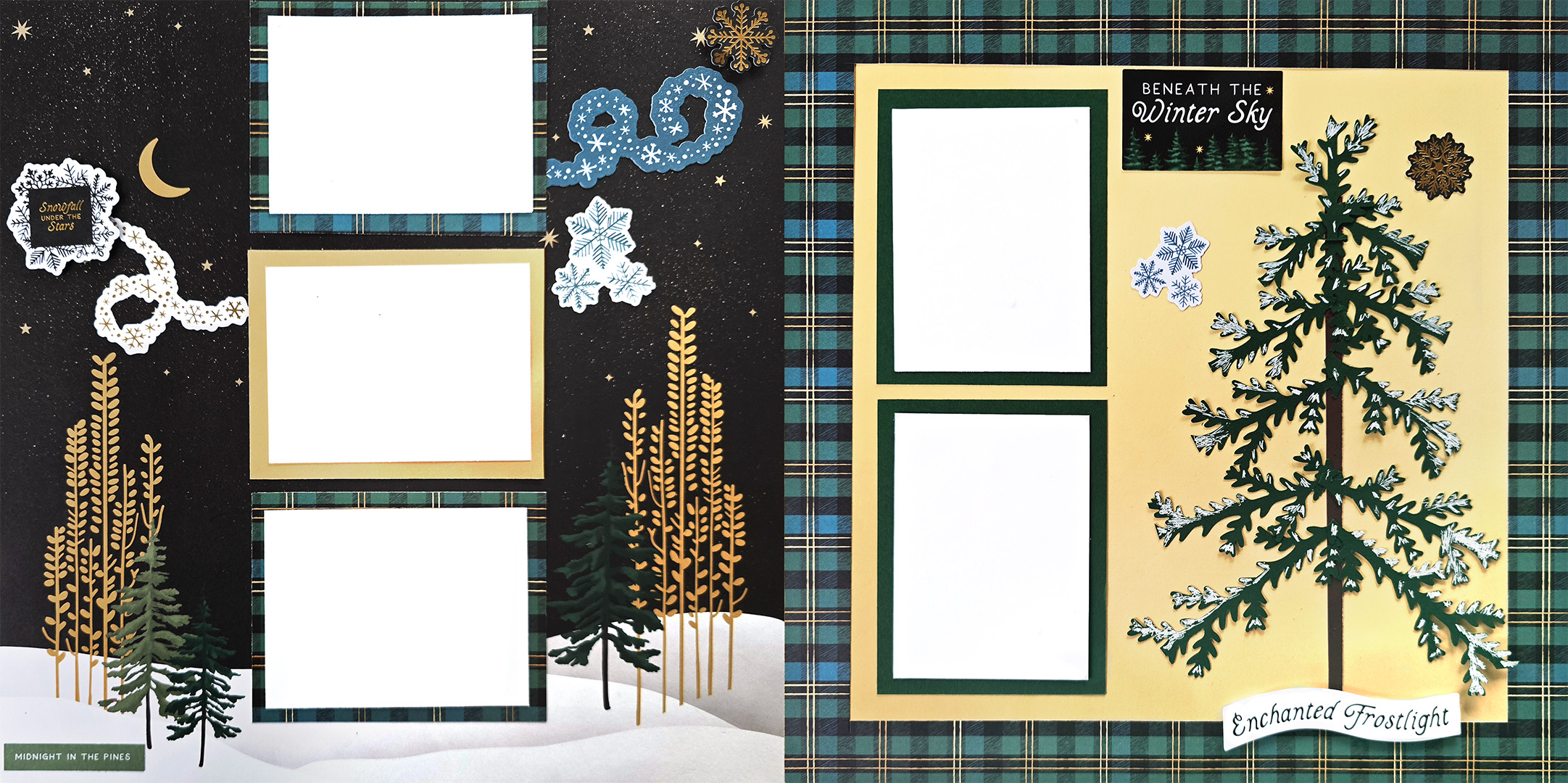
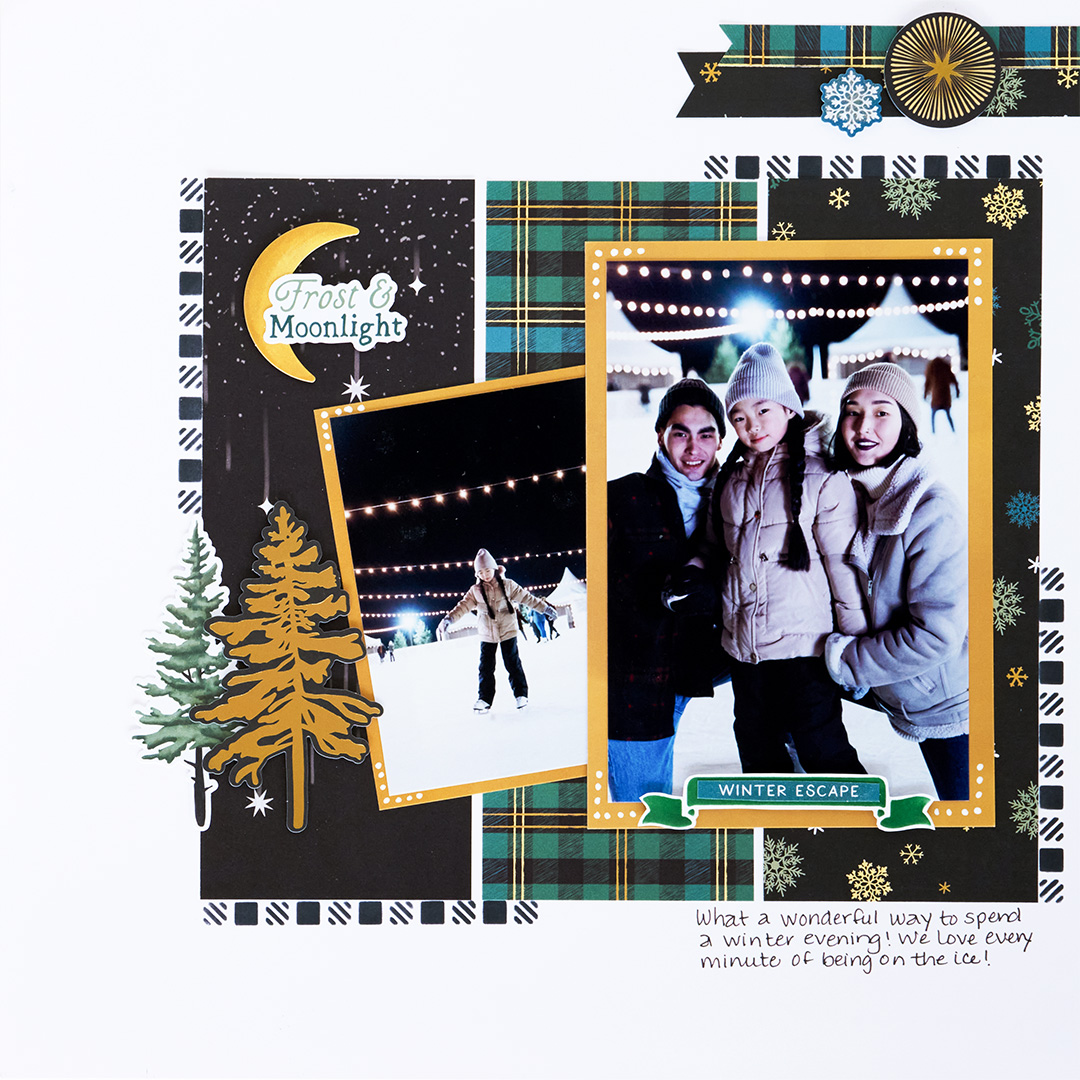
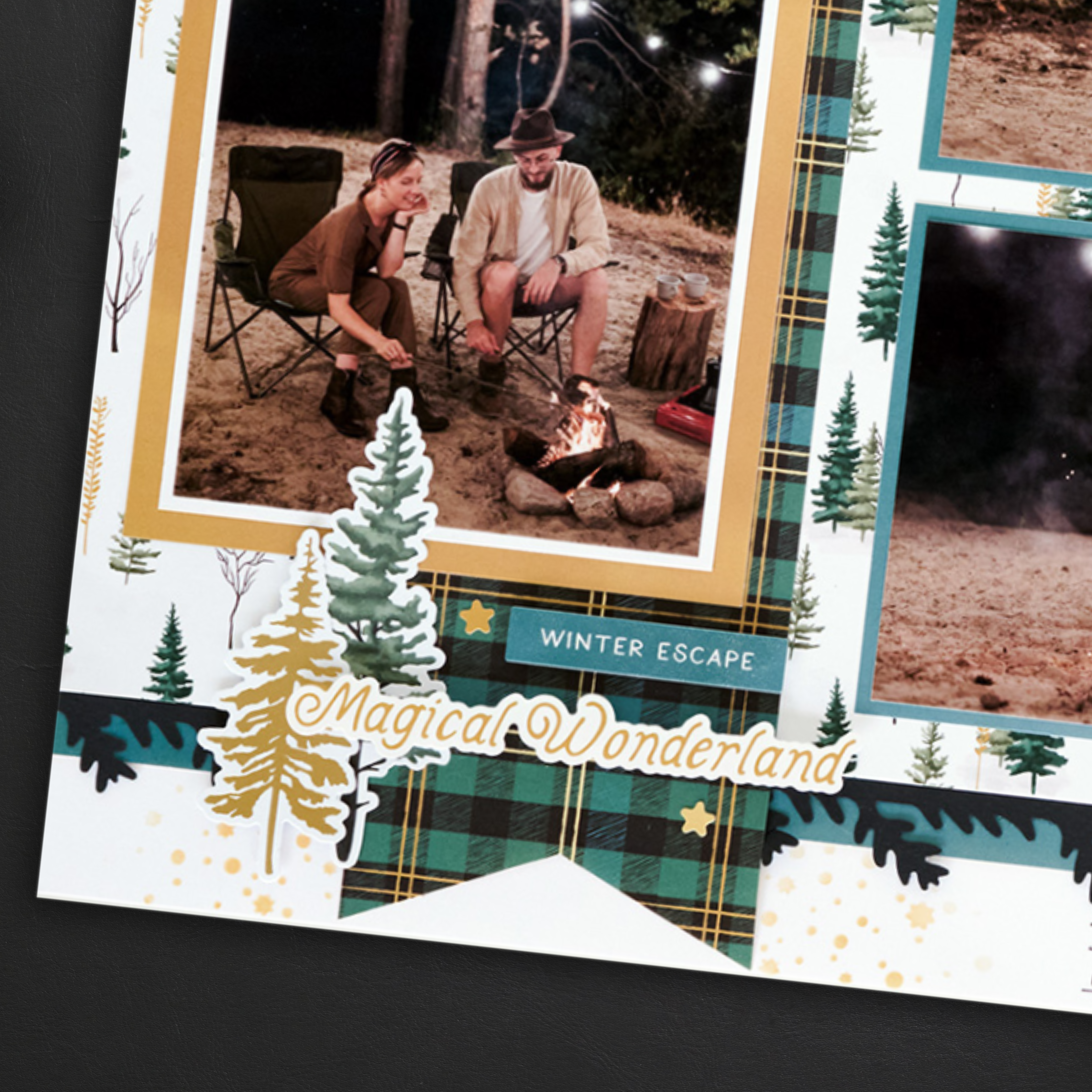
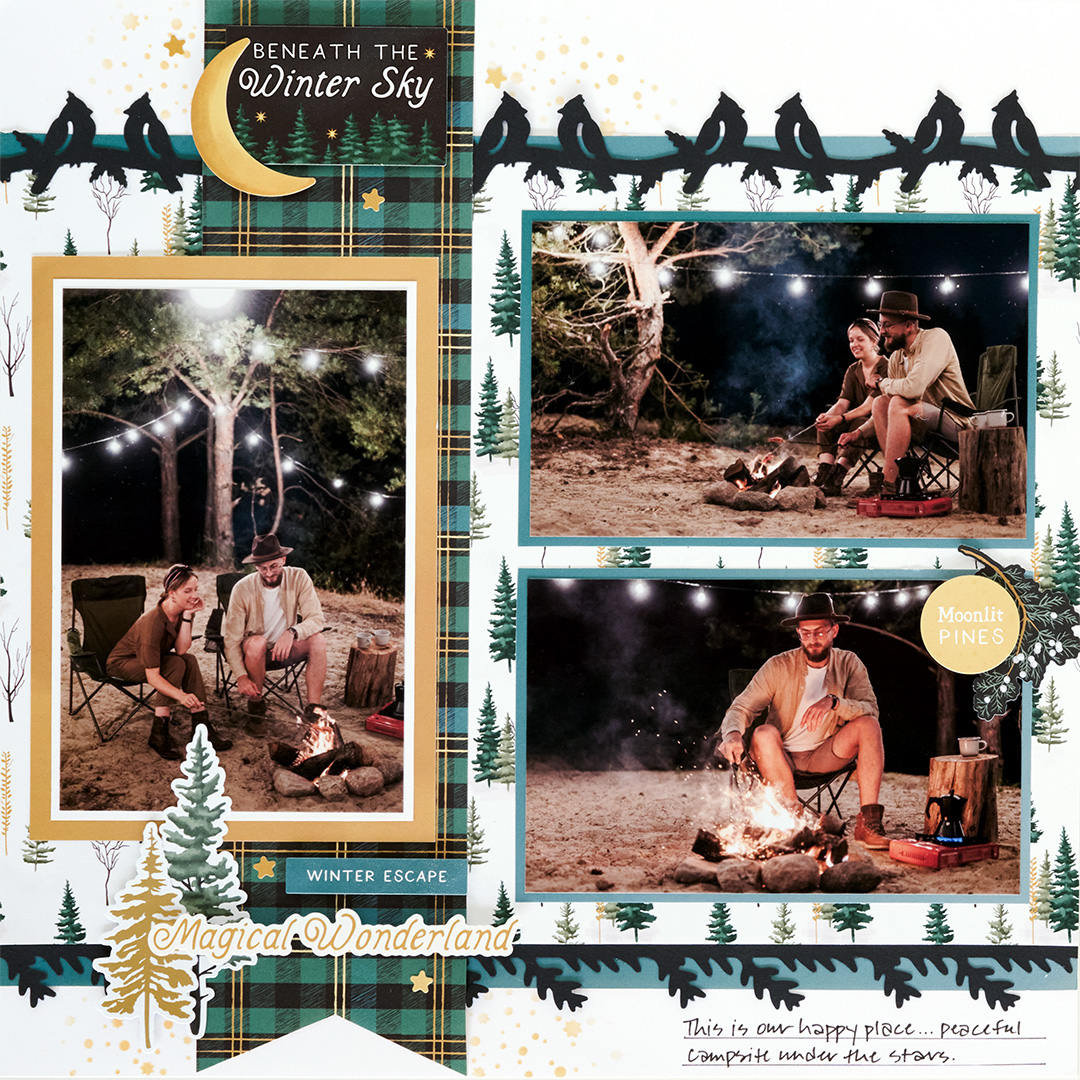
Collection Used: Moonlit Pines
Debbie’s Tip: Start with a 1″ frame, then build your tree! Debbie cut a 1/4″ x 8″ trunk from a scrap of brown cardstock and punched three strips of boughs from Dark Green Solid Cardstock with the Spruce Bough Border Punch, cutting them into pieces ranging from 4″ down to 1-1/2″.
Place the trunk 3-3/4″ from the outer edge, then add the 4″ boughs 3″ up from the bottom of the trunk “at a little angle.” Keep working your way up the tree with smaller and smaller pieces, finishing with a 2″ piece at the top. “If you would like to put snow on your tree, use a white gel pen.”
Prizes
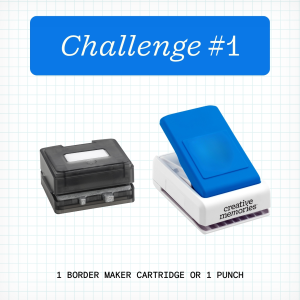
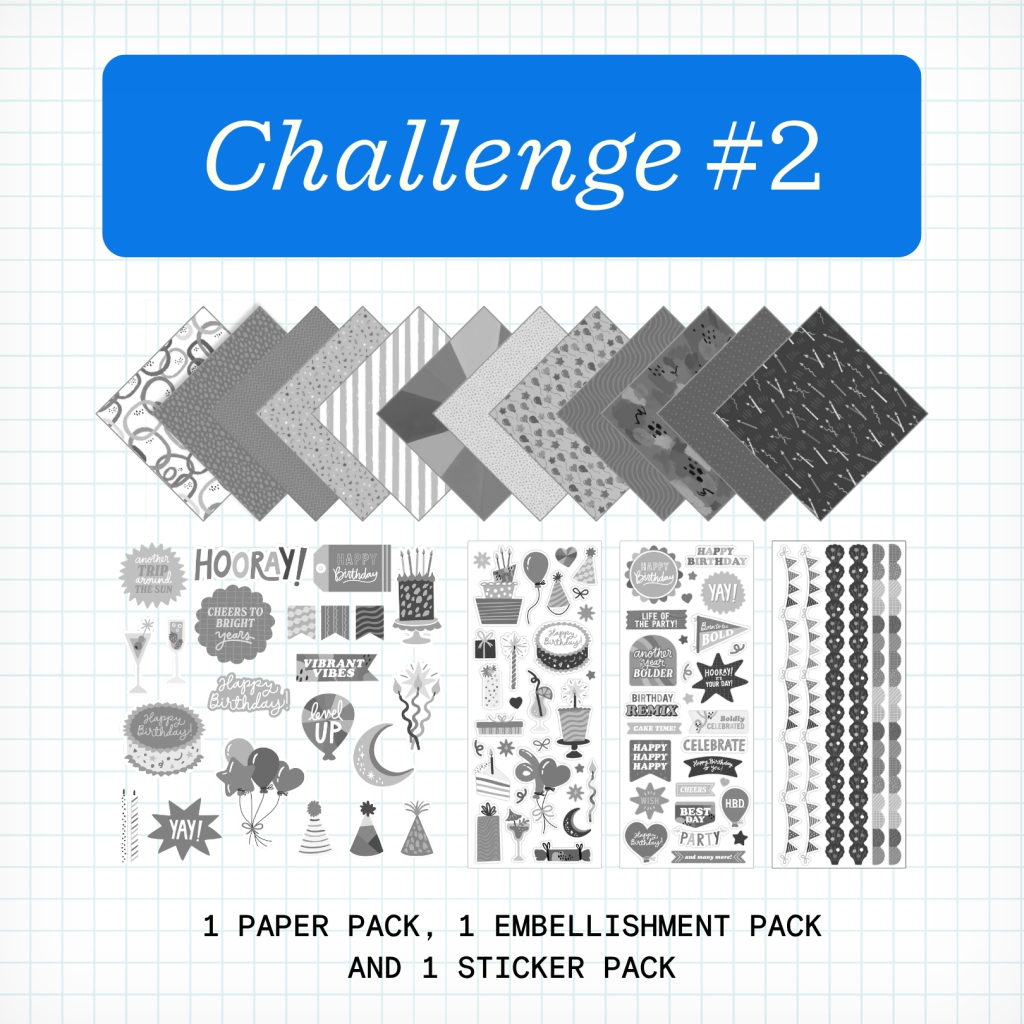
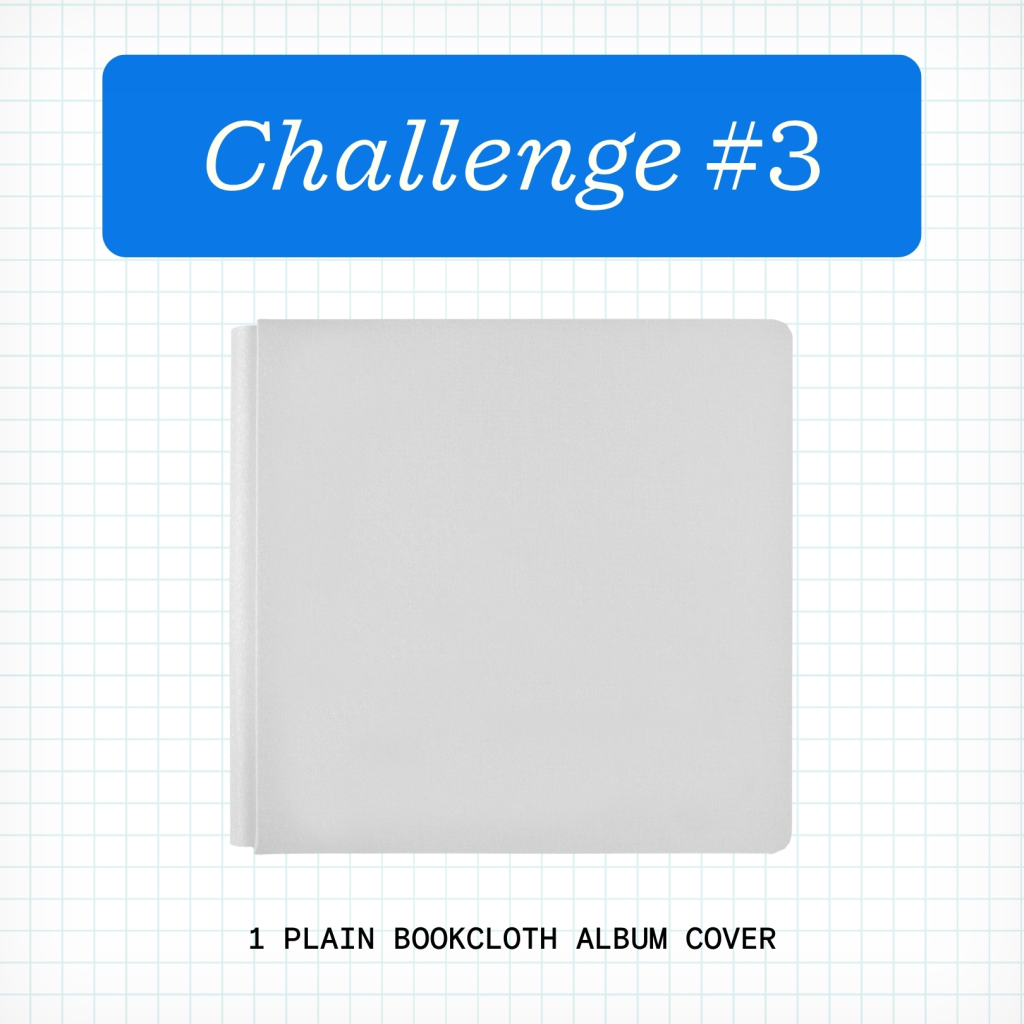
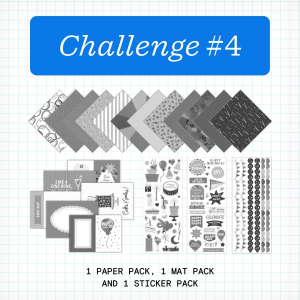
NOTE: The Prize Pack will be awarded to one (1) participant in each challenge. Valid only for products currently in stock (excludes products that are out of stock or expected to return).
We will award the prizes randomly, but to win, it must be obvious you used the sketch we provided as inspiration to create a project. You’re highly encouraged to use Creative Memories products, but it’s not a requirement to win. You have until Tuesday, November 17 at 11:59pm CT (AU: Wednesday, November 18 , at 2:59pm AET) to submit your layouts for a chance to win. Winners will be announced Thursday, November 19, at noon CT (AU: Friday, 19 November, at 3am AET).
Virtual Crop Tracker
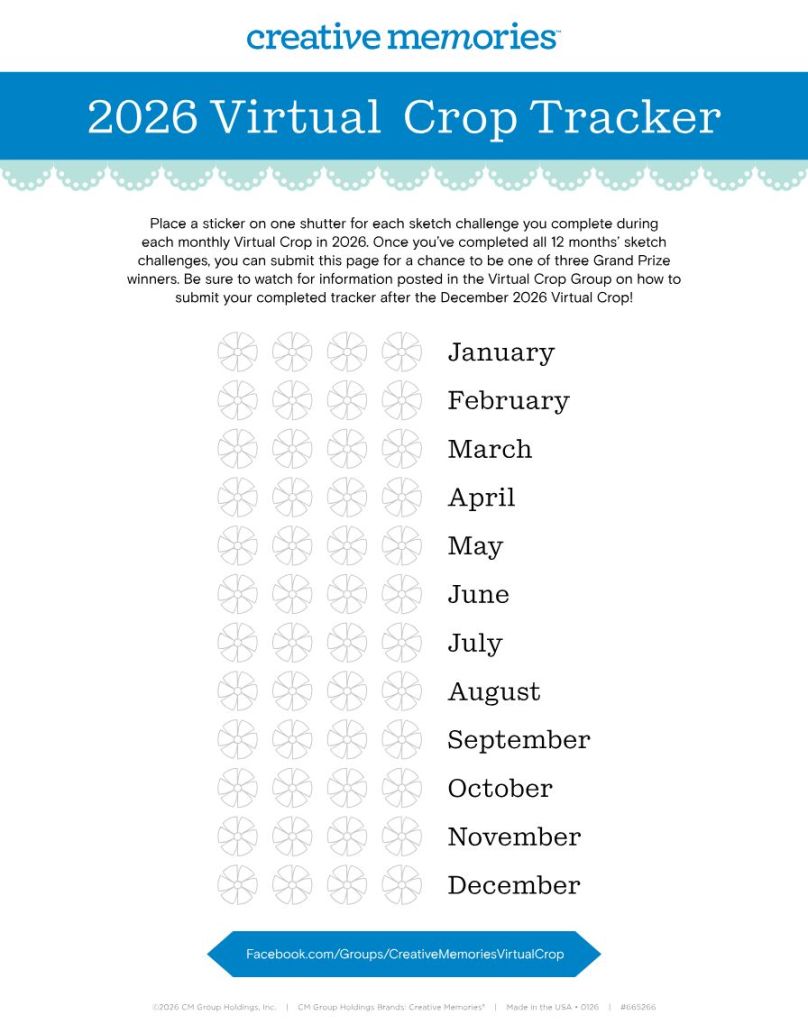
The 2026 Virtual Crop Tracker & Sticker Bundle is on sale now! You can also download the tracker yourself by clicking the image.
Color in or place a sticker on one shutter for each sketch challenge you complete during each monthly Virtual Crop in 2026. Once you’ve completed all 12 months’ sketch challenges (that’s 48 completed pages you’ll be adding to your albums), you can submit your tracker for a chance to be one of three grand prize winners! More information on how to submit will be shared in the Virtual Crop Group as we near the final sketch challenge.
P.S. Are YOU a member of the Virtual Crop Group? It’s your go-to place for MONTHLY Virtual Crops, MONTHLY Completed Album Challenges, QUARTERLY Secret Box Openings with project tutorials and so much more! We hope you’ll join our community of more than 53,000 fellow memory-keeping enthusiasts — you’ll feel right at home!
“Creativity is intelligence having fun.” – Albert Einstein