June 18, 2026
Meet the CM Studio System
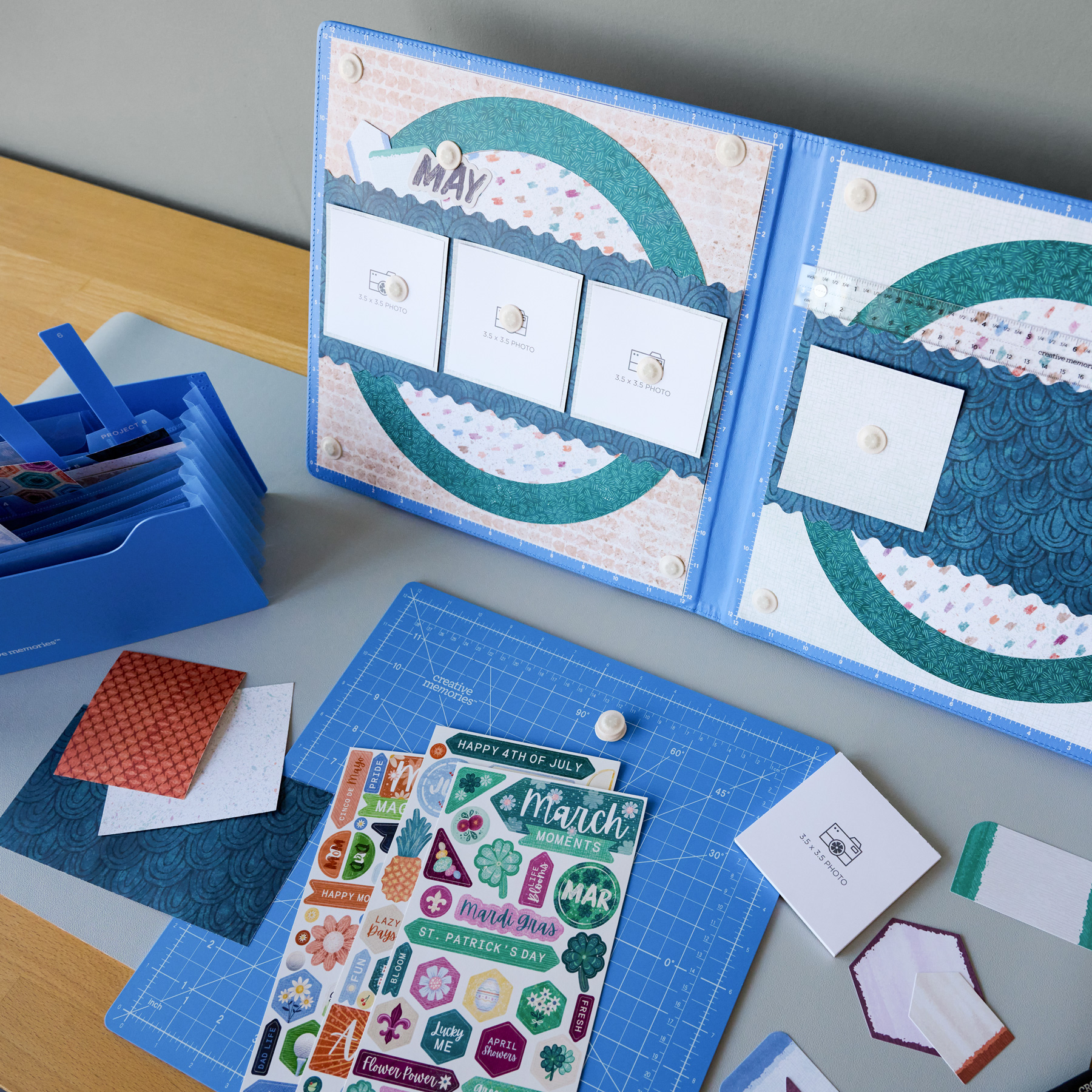
Meet the CM Studio System. For many scrapbookers, creating a layout is a process of experimentation. Photos move. Embellishments shift. Titles get adjusted again and again before everything feels just right.
The new CM Studio System was designed to support that creative process, giving scrapbookers a dedicated workspace to plan, organize and build layouts with greater confidence. From magnetic layout planning to portable project storage, each component was intentionally developed to help creators stay focused on their memories rather than managing their workspace.
Watch: Meet the Layout Studio | Your New Workspace Solution
The Story Behind the System
The idea for the CM Studio began with a common challenge many scrapbookers experience during the layout-building process.
“Before adhesive is applied, creators often spend a significant amount of time arranging photos, titles, embellishments and decorative elements, making constant adjustments until the layout feels right,” explains Senior Product Developer Amy Koster. “During that process, pieces can shift, become misplaced or require repeated repositioning.”
As the team explored ways to improve the scrapbooking experience, they recognized another opportunity. Layouts often span an entire workspace, leaving less room for tools and supplies and requiring scrapbookers to spend hours leaning over their projects.
“We saw an opportunity to move the creative process up off the table and position it vertically in front of the user,” Amy says. “This not only frees up valuable desk space but also creates a more ergonomic working experience by reducing the need to constantly hunch over a tabletop.”
The goal was never simply to create another craft tool. Instead, the team set out to build a dedicated workspace that could support scrapbookers from the earliest stages of layout planning through project completion.
“We wanted to give scrapbookers a way to experiment with designs, hold elements securely in place and view a complete two-page spread before committing anything permanently to the page.”
Designed with Intention
Three priorities shaped nearly every decision during development: visibility, flexibility and portability.
“First, we wanted users to be able to view and design a complete two-page 12×12 layout simultaneously,” Amy explains. “Seeing both pages together helps balance photos, titles, embellishments and visual weight across the spread.”
That focus on visibility informed the system’s overall structure, encouraging scrapbookers to see layouts as a unified story rather than separate pages.
Flexibility came next. The magnetic surface allows users to reposition elements freely without losing progress or damaging materials. Supporting tools, including the grid system, magnetic ruler and low-profile magnets, were all designed to encourage experimentation while maintaining precision.
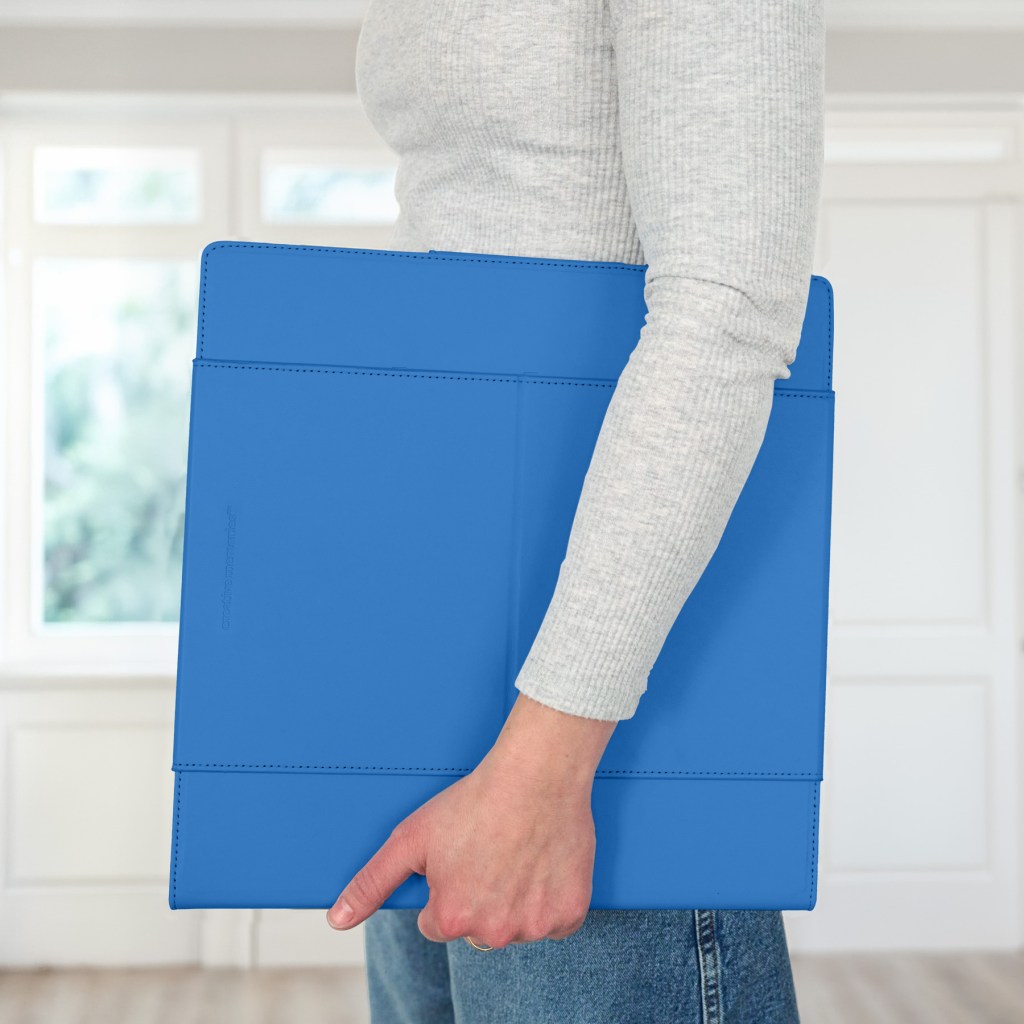
Portability was equally important. Because many memory keepers create at crops, retreats and workshops, the system needed to travel easily and store neatly at home. Its folding design and compact form make it simple to transport while keeping projects intact.
A Closer Look
Behind the scenes, one of the biggest challenges was balancing scale with portability.
“We wanted the system to be large enough to comfortably support a full two-page layout while still being practical to store and transport,” Amy recalls.
The magnetic system also required extensive refinement. The team tested multiple magnet sizes, strengths and materials to find the right balance of secure hold without adding bulk or interfering with the creative process.
User testing played a major role in shaping the final product. “Many users wanted the ability to leave layouts partially completed between crafting sessions and transport them without disturbing their work,” Amy explains. “What began as a layout planning tool evolved into a temporary layout storage solution as well.”
That insight directly influenced key features like the folding construction, magnetic closure and secure hold for photos and embellishments during travel.
The easel system went through a similar iteration. “We tested multiple widths, lengths, materials and surface treatments to achieve the right balance of stability, durability and ease of use,” Amy says.
Ultimately, two viewing angles—45° and 60°—were introduced to give scrapbookers flexibility between a relaxed working position and a more upright display. These refinements helped create a system that feels stable, adaptable and intuitive throughout the creative process.
Inside the CM Studio System
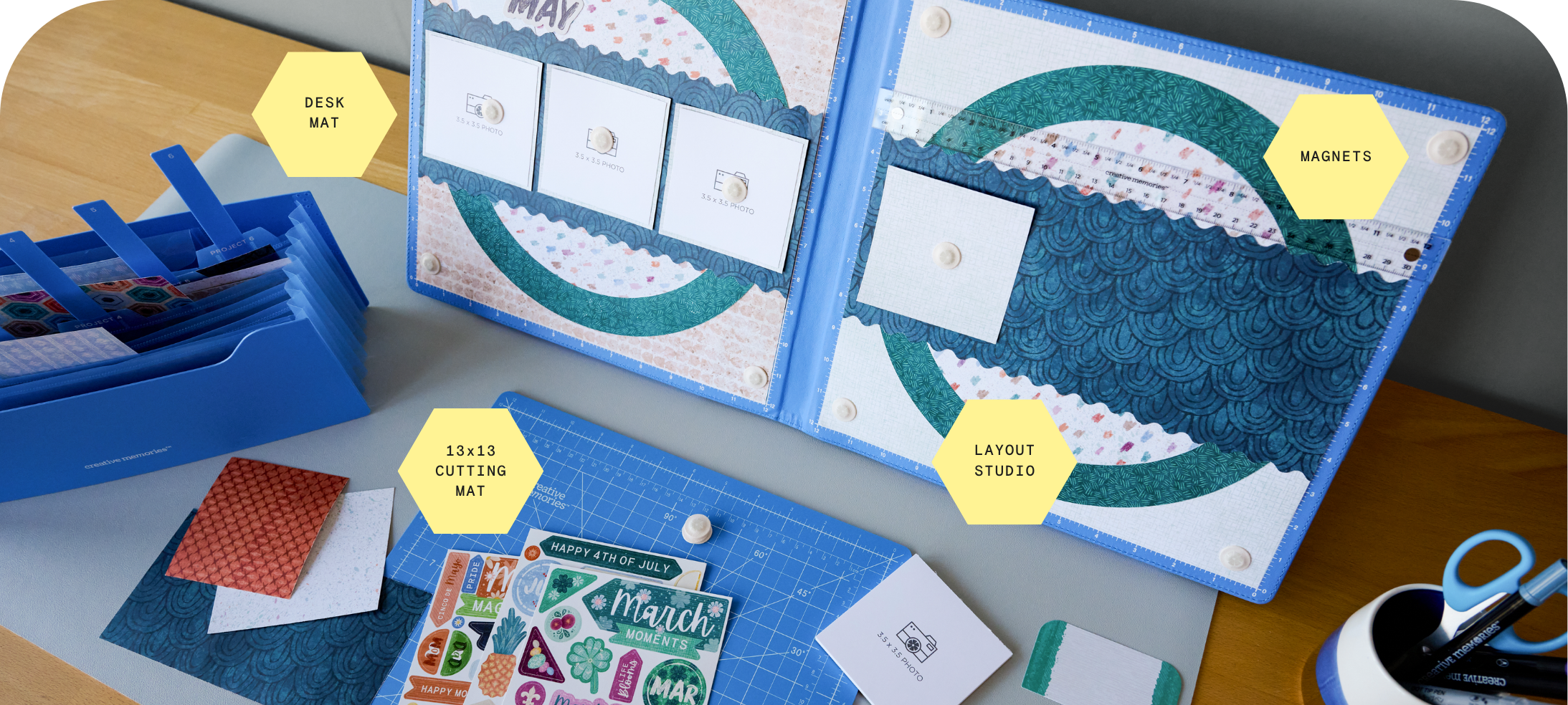
The CM Studio System is made up of a few intentionally designed tools that work together to support your entire layout process—from first idea to finished page. Each piece plays a specific role in helping you plan, design and store your layouts with ease.
Layout Studio
The core of the system and your dedicated layout workspace. Dual magnetic panels hold photos, papers and embellishments securely so you can experiment before committing. The adjustable easel (0–60°), built-in grid guides and magnetic ruler support comfortable, precise layout building. Folds flat with a magnetic closure so you can pause and transport your work without losing placement.
Desk Mat
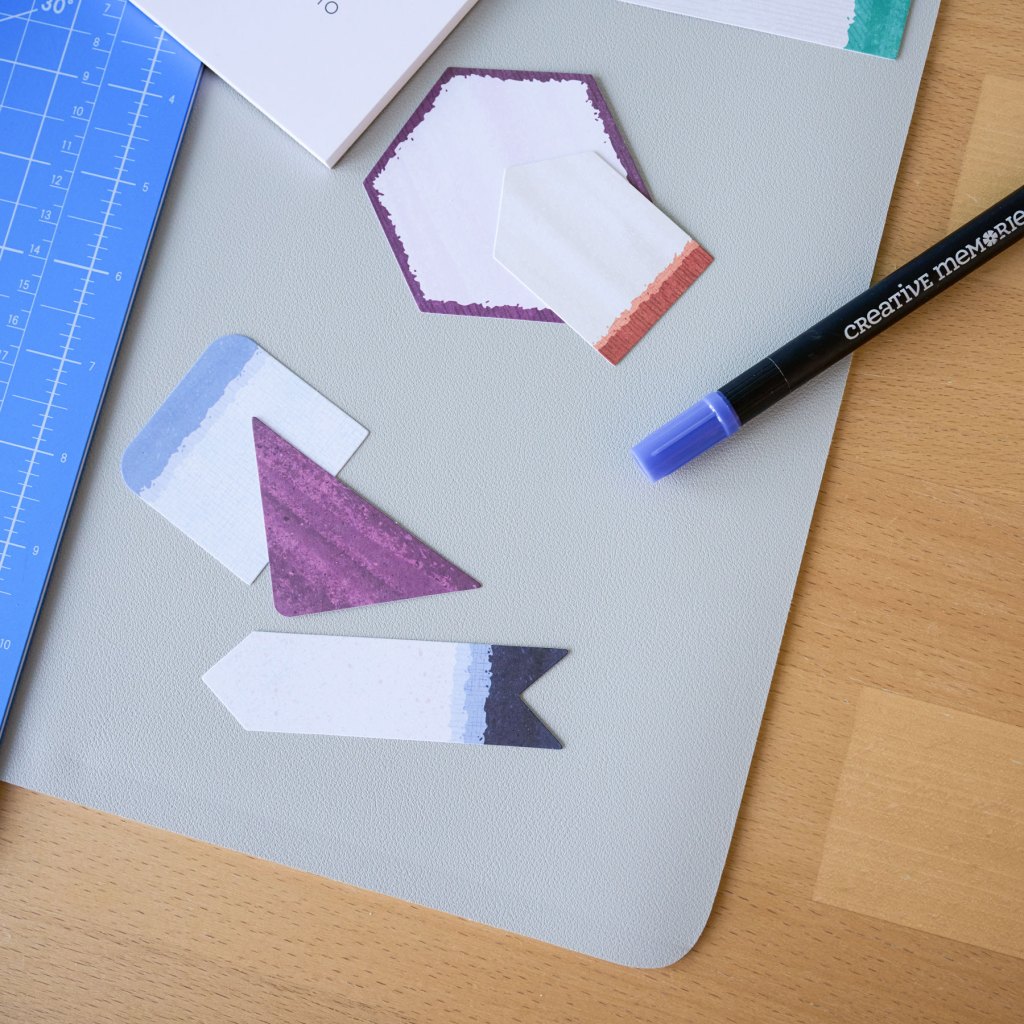
The foundation of your creative workspace. This large, durable mat defines your crafting area, helping keep layouts, tools and supplies organized as you work. The anti-slip base adds stability during project building, and its rollable design makes it easy to store or transport. It’s designed to pair seamlessly with the CM Cutting Mat to create a cohesive, grounded setup for every project.

13×13 Cutting Mat
A precision surface designed for accurate cutting and layout prep. Sized specifically for 12×12 pages, it features clear gridlines and vertical markings (1–11″) to make measuring and alignment faster and more intuitive. The self-healing surface protects your blades and workspace over time, while the durable design supports everyday use within the Custom Cutting System.

Magnets
Essential tools for flexible, stress-free layout building. These low-profile, PVC-encased magnets are designed to securely hold photos, papers and embellishments in place on the Layout Studio while you design and adjust. They let you experiment freely without losing placement and keep layouts intact even when the system is closed for storage or travel.
*The Layout Studio and 13×13 Cutting Mat are also available in Gray for a more neutral workspace option.
Bring the CM Studio System into your workspace.
Designed to support every stage of your layout process
—from first idea to finished page.
P.S. Are YOU a member of the Virtual Crop Group? It’s your go-to place for MONTHLY Virtual Crops, MONTHLY Completed Album Challenges, QUARTERLY Secret Box Openings with project tutorials and so much more! We hope you’ll join our community of more than 50,000 fellow memory-keeping enthusiasts — you’ll feel right at home!

