May 25, 2026
It’s Time for the May Completed Album Challenge PLUS a Layout for All Your Seaside Adventures
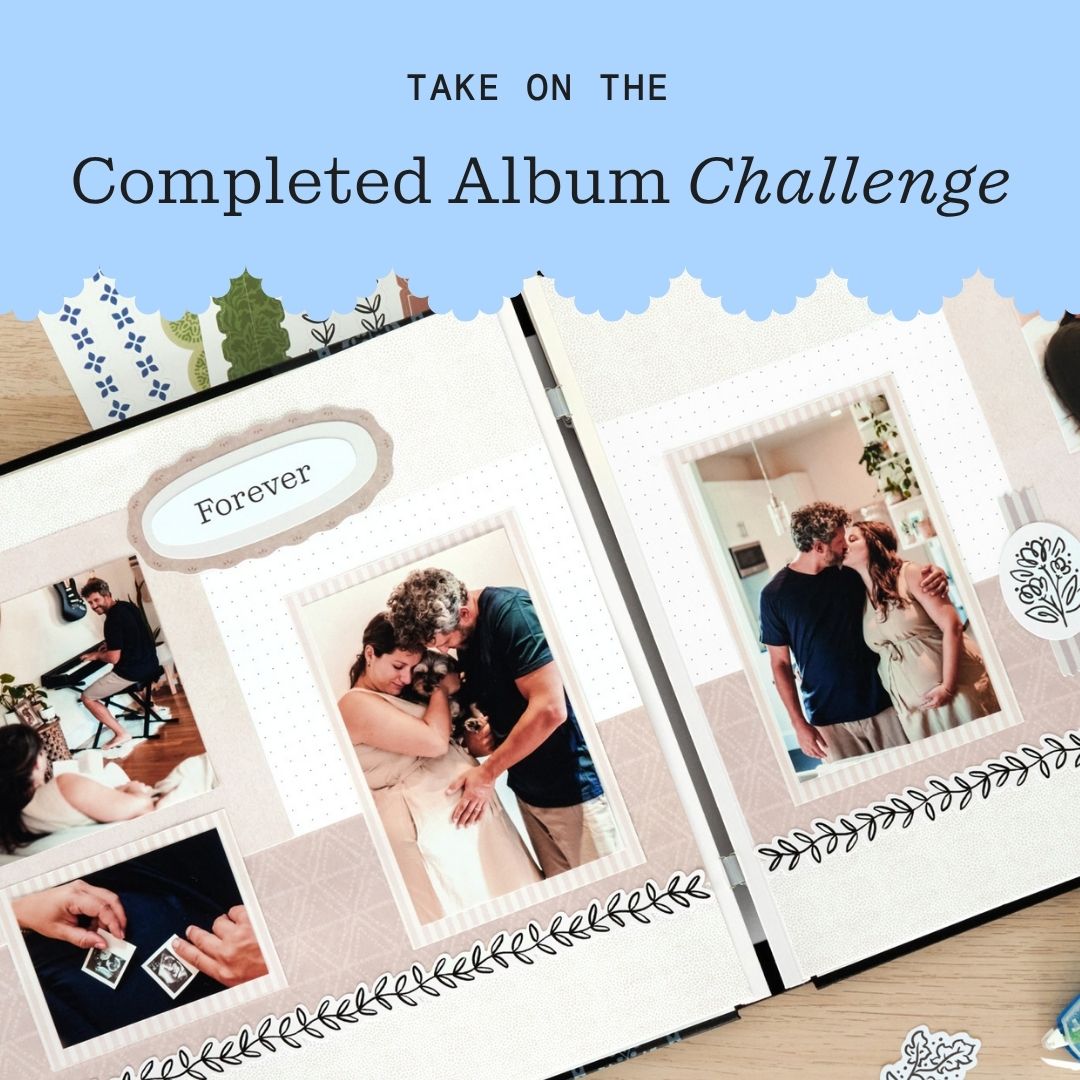
Finished an album this month? Now’s the perfect time to head over to the Virtual Crop Group and show it off during the May Completed Album Challenge! If you need inspiration to get those last few pages done, check out the layout below to document your favorite memories!
Once you have completed your album (it does not need to be from start to finish in May, just completed in May), make a short video flipping through each of the pages in your newly completed album to share. Then, post your video in the Virtual Crop Group with the hashtag #CompletedApril2026 by June 2 at 11:59pm CT (AU: 3 June at 2:59pm AET) for the chance to win (Extended due to Memorial Day Holiday)!
For ALL the details on the Completed Album Challenge, check out this blog post.

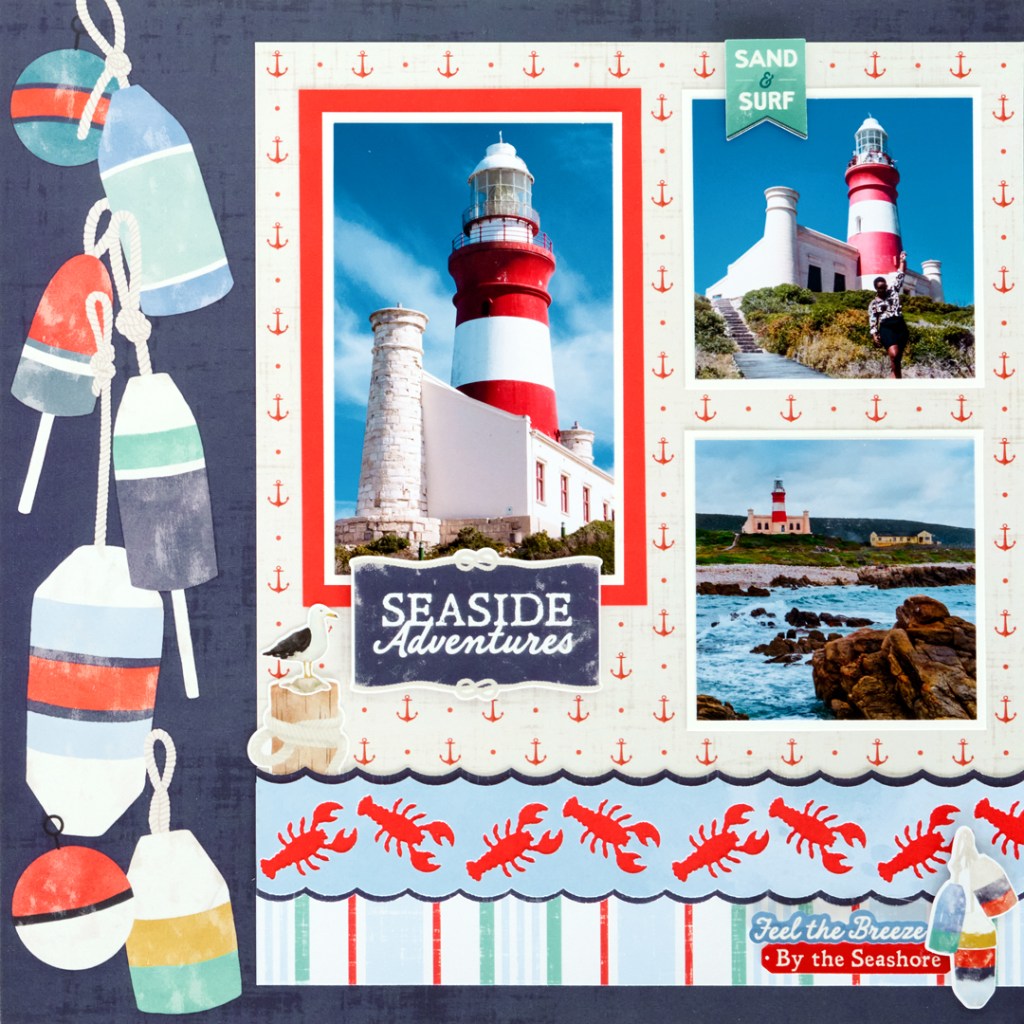
To create this layout, you will need:

Step 1: Use a sheet of lobster buoys Fast2Fab™paper as the base for this layout.
Step 2: Cut a 9″ x 9″ square with anchors designer paper and adhere flush with the right side of the layout, 1/2″ from the top edge. Cut a 9″ x 1-1/4″ strip with stripes paper and adhere 1/2″ from the bottom of the layout and flush with the right edge.
Step 3: Using the Lobster Border Punch, punch a border with the dark navy textured designer paper and baby blue wash designer paper. Cut a 12″ x 1″ strip with Red Cardstock and adhere it behind the baby blue border. Cut the navy textured border in half lengthwise and adhere each half behind the baby blue border so that just the navy scallops show. Cut the border to 9″ and adhere it 1-1/2″ from the bottom edge of the layout.
Step 4: Cut a 4″ x 6″ mat with Red Cardstock. Cut a 3-1/2″ x 5-1/2″ mat with Bright White Cardstock and adhere on the red mat. Crop a photo to 3-1/4″ x 5-1/4″ and mount on top. Cut two 3-1/2″ x 3-1/2″ mats with Bright White Cardstock. Crop two photos to 3-1/4″ x 3-1/4″ and mount on top.
Step 5: Adhere all photos on the layout as shown. Add stickers, popping some up with foam squares for dimension.
Step 6: Journal as desired.
P.S. Are YOU a member of the Virtual Crop Group? It’s your go-to place for MONTHLY Virtual Crops, MONTHLY Completed Album Challenges, QUARTERLY Secret Box Openings with project tutorials and so much more! We hope you’ll join our community of more than 53,000 fellow memory-keeping enthusiasts — you’ll feel right at home!

