June 23, 2026
Trimmer Week Day 2: Get Decorative
Welcome back!
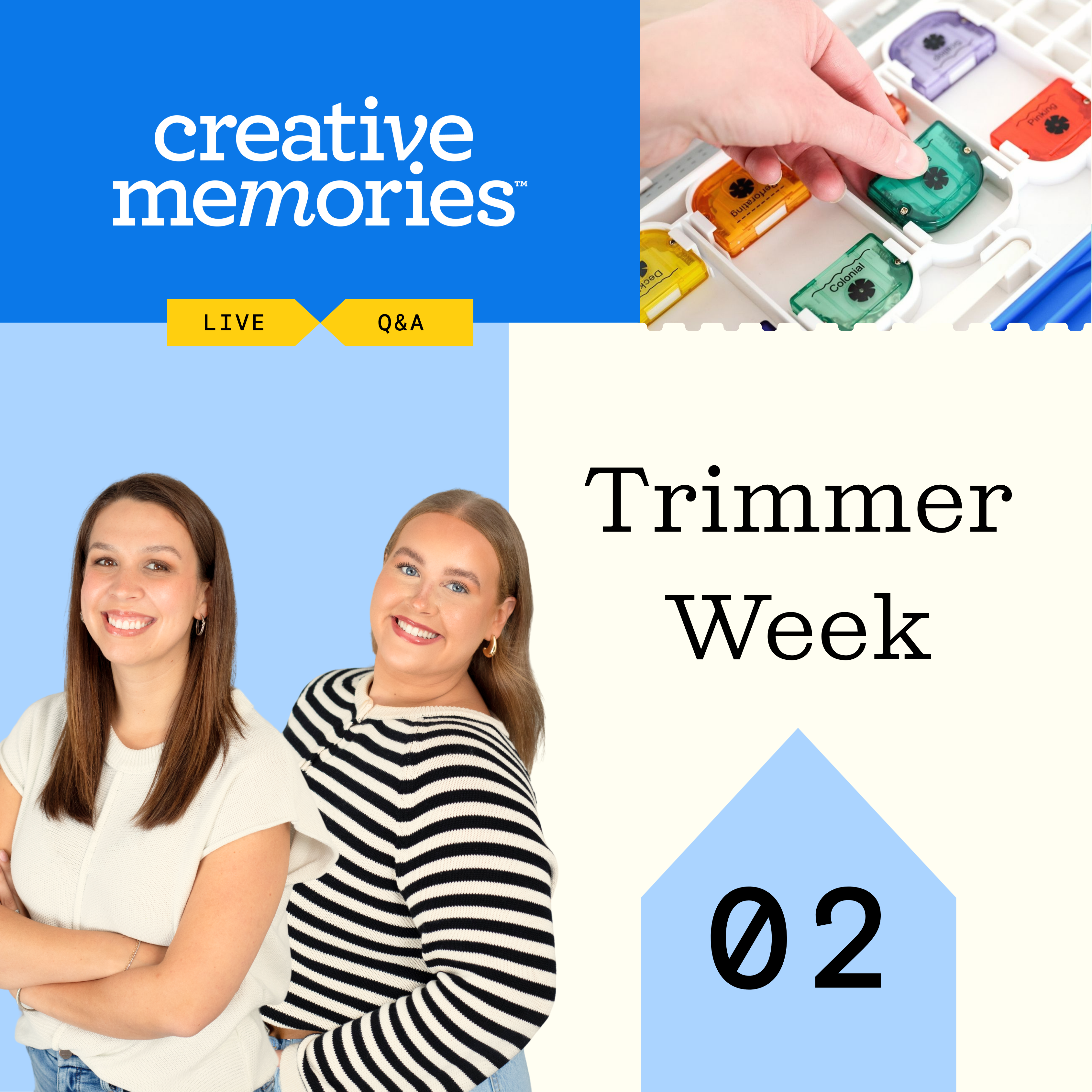
Today’s video features Creative Content Manager Annalisa Smola and Marketing Coordinator Madelyn Vosburg as they explore decorative blades, creative add-ons and some of the features that make Creative Memories trimmers so versatile.
Watch today’s video below and join us live in the comments from 3–5pm CT as our Home Office team answers your questions, swaps tips and connects with you on how you use and love your trimmers.
Watch: Creative Memories Decorative Blades Tutorial | How to Customize Your Scrapbook Pages
In Today’s Video
In this episode, you’ll learn:
- What makes Creative Memories decorative blades unique
- How to use decorative blades with your trimmer
- Simple ways to customize scrapbook pages
- Ideas for adding fun edges and accents to your projects
Shop The Trimmers
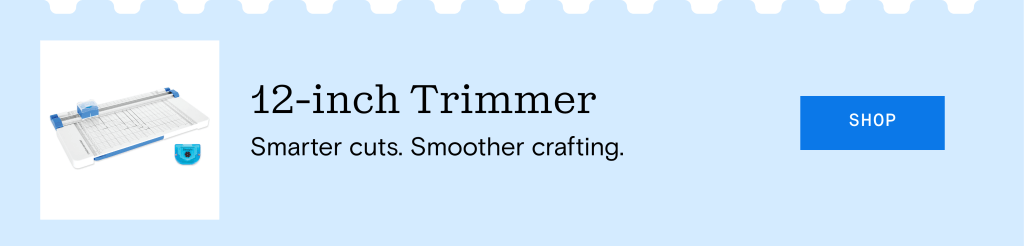
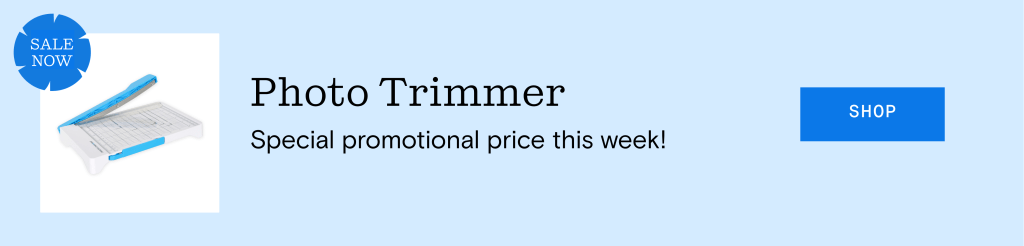
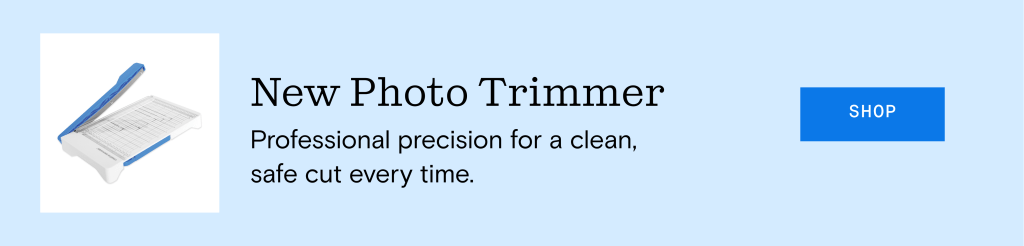
Take a closer look at the trimmers featured in today’s video below, including our classic 12-inch Trimmer and Photo Trimmer. These tools are designed to make everyday cutting, trimming, and layout preparation simple and consistent.
Join Us Tomorrow
Thanks for joining us for Day 2 of Trimmer Week! We’ll see you tomorrow at 3pm CT for our final video of the week, where we’ll go behind the scenes with our Product Development and Product Marketing teams for a closer look at the thought, testing and innovation behind our trimmers.


I love the storage on the back and the variety of cuts you can get from the various blades
It’s amazing how many different effects you can get just by switching out the blades — and having them stored right on the trimmer is so convenient.
I love that the trimmer stores another cutting strip on the back! I’d love to see what the red zig zag blade looks like in use!
I like too that it stores the cutting strip in the back.
I like using the multi-tool to lift photos when I need to reposition them on a page.
The lifter works great to pick up the punched item that has gone flying to the floor!!!
I love the variety of decorative blades,, but my favorite is the Deckle! I really like using it with white shimmer paper for my winter pages. Multi-Purpose Tool hint – I use the pointed end to open the plastic wrap on mat packs and cardstock.
I love that items can be stored underneath! Best idea ever!
I use the Multi-purpose Tool to place my stickers on the page, especially letters and numbers. Also woks well with the cutting system when cutting out in the center of any of the patterns … Before I move the pattern after cutting, I slip the thin edge under the paper to be sure it’s fully cut.
I love both tools! I need to add the multi-purpose tools to my trimmer.
Awesome demonstration. Like know what option there are with the cutter.
The Scallop has long been my most-used decorative blade, but the Twist is gaining momentum! I do love them all!