September 11, 2026
The September 2026 Virtual Crop is HERE!
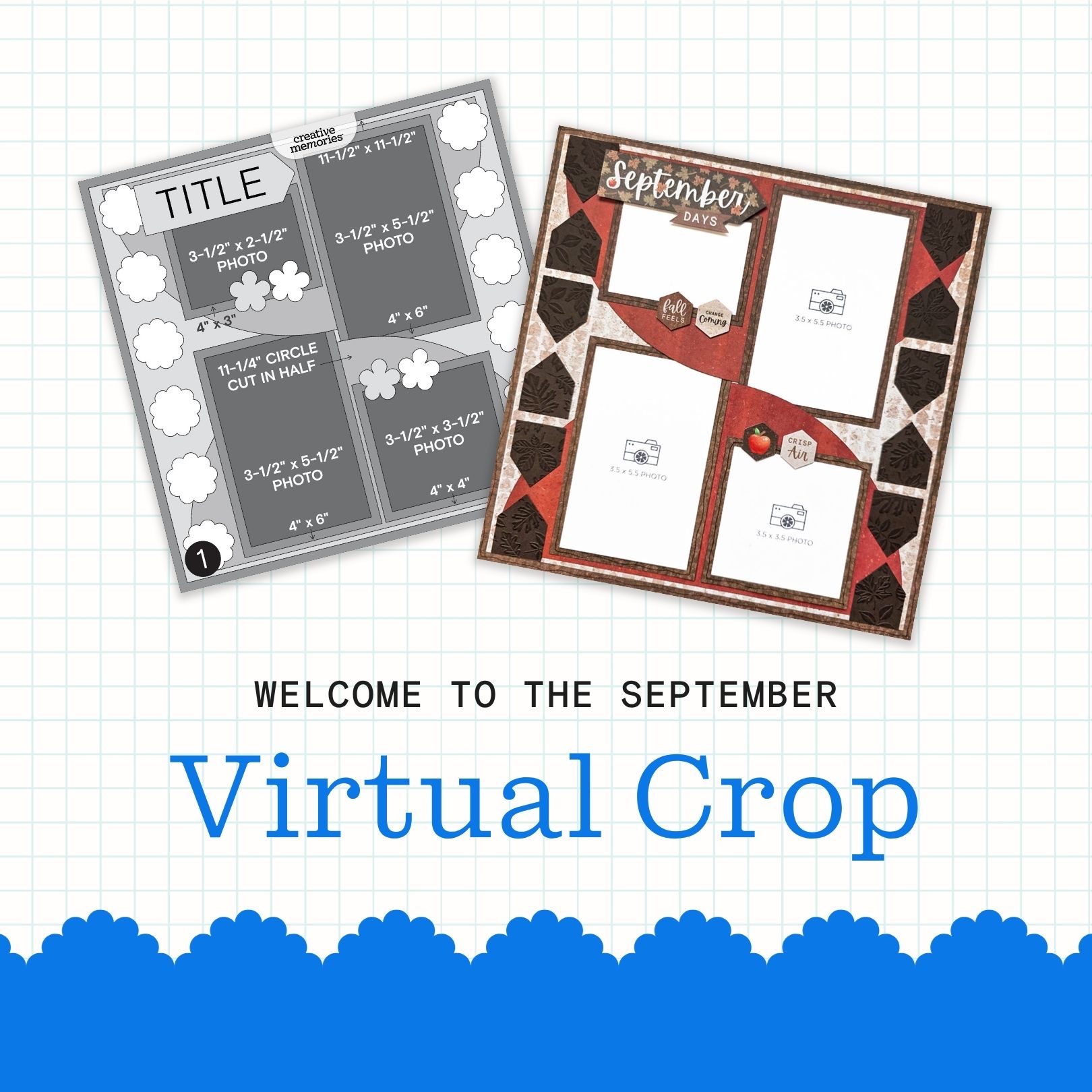
It’s officially time for the September Virtual Crop! This is your invitation to a weekend full of inspiration, connection and fun! Let’s get started!
If this is your first time participating in a Virtual Crop and you would like a quick step-by-step guide of what to expect before you jump in, you can get ALL the details about Virtual Crops in this blog post, including how to participate (in our Virtual Crop Group), supplies you’ll need, examples of challenges, types of prizes and more.
Know what you’re looking for? Find it faster here:
In this post, you will find ALL four sketches for this crop (these sketches are for the entire weekend; no additional sketches will be posted), a downloadable PDF with the four sketches for your convenience, hashtags to use when posting your challenge layouts in the Virtual Crop Group, prize information and layout inspiration. This is about to be an amazing weekend and we can’t wait to see what you create!
To make sure we see all your submissions for a chance to win, you’ll want to post each layout you complete as its own new post with the hashtag for that challenge. You have until Tuesday, September 15 at 11:59pm CT (AU: Wednesday, 16 September, at 2:59pm AET) to submit your layouts for a chance to win (more details on what you can win further down this post!). Again, we’re so excited that you’re here. Happy scrapping!
Now, let the fun begin!
Watch: September Virtual Crop Kickoff Video!
Meet the Sketches
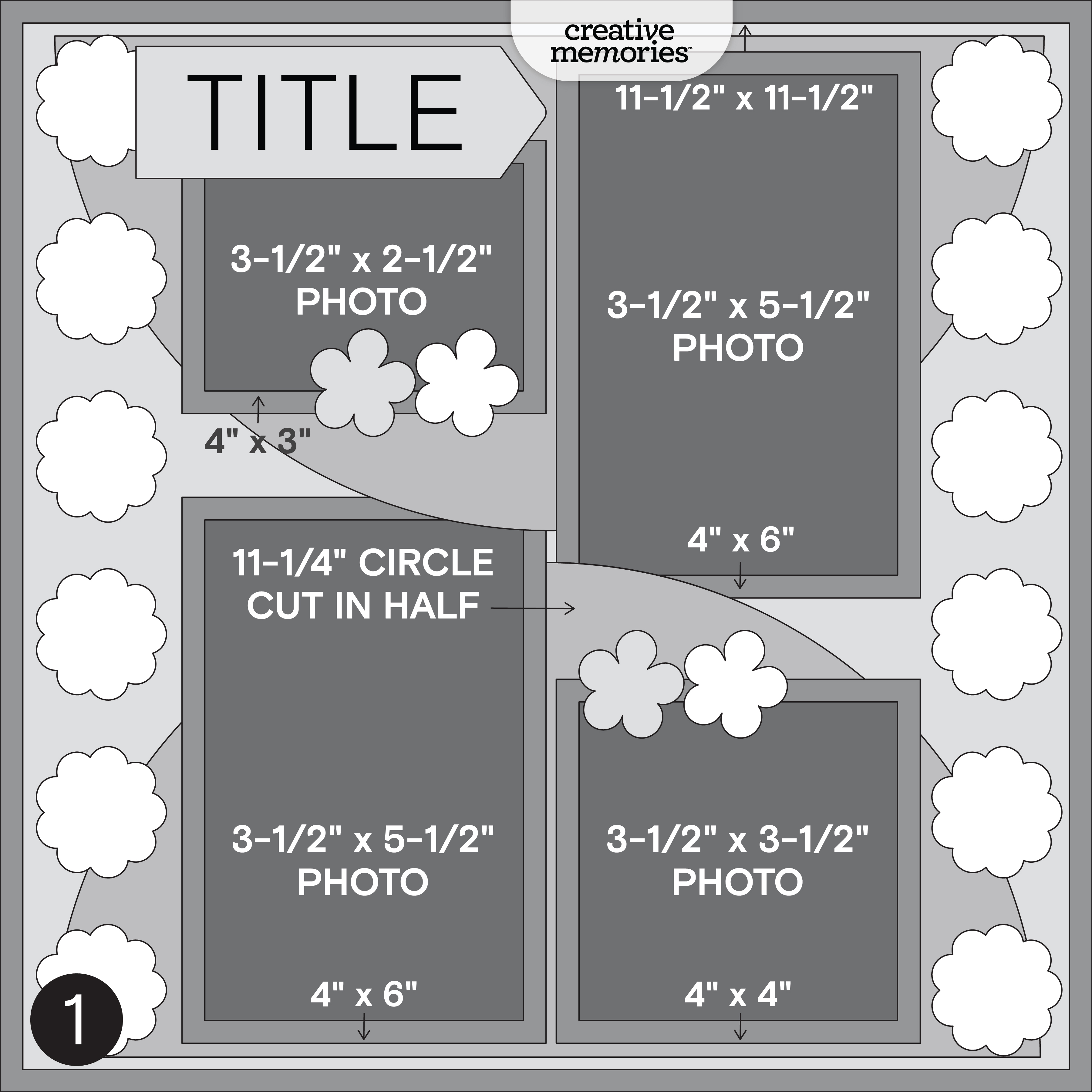
Challenge #1 — #CMVirtualCrop1September2026
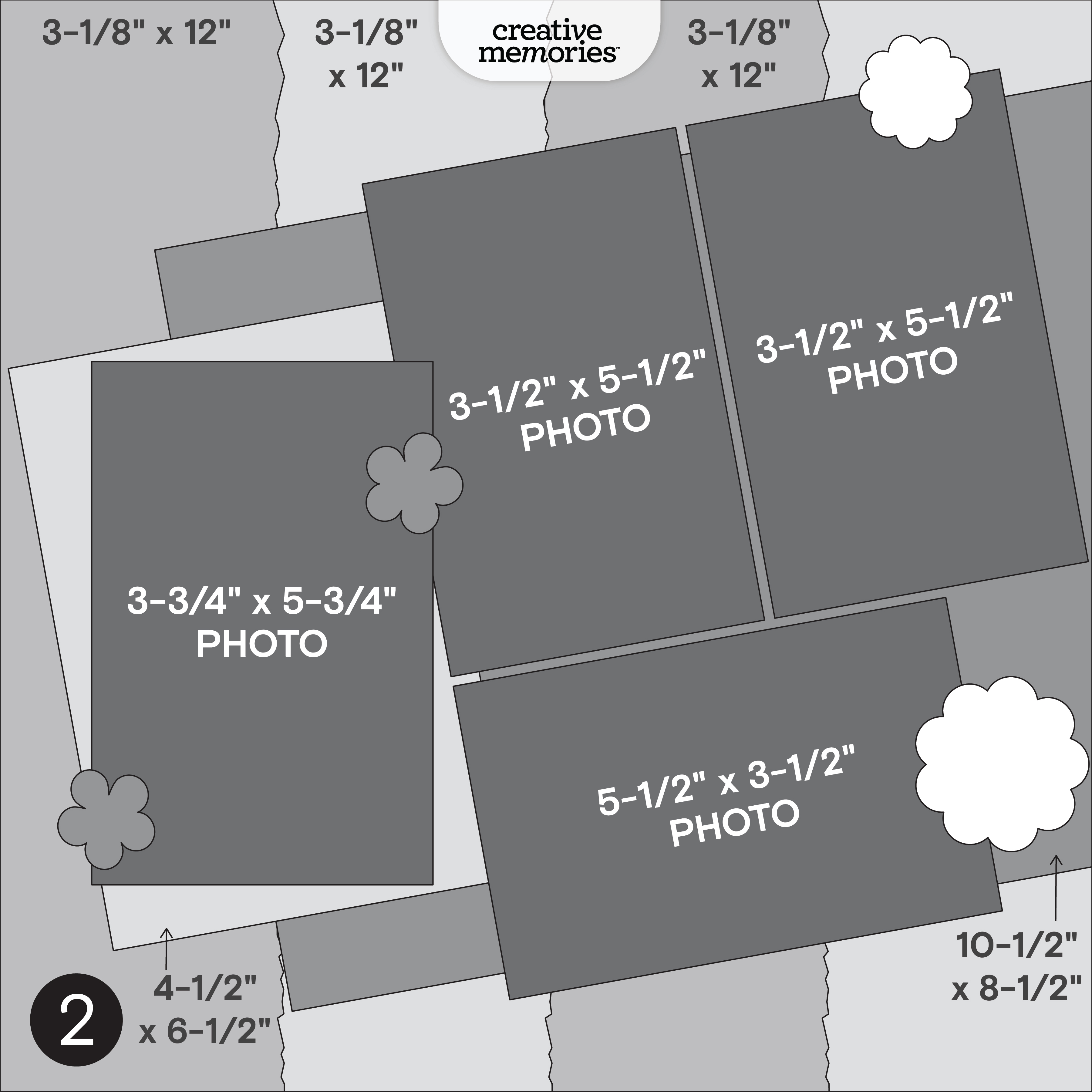
Challenge #2 — #CMVirtualCrop2September2026
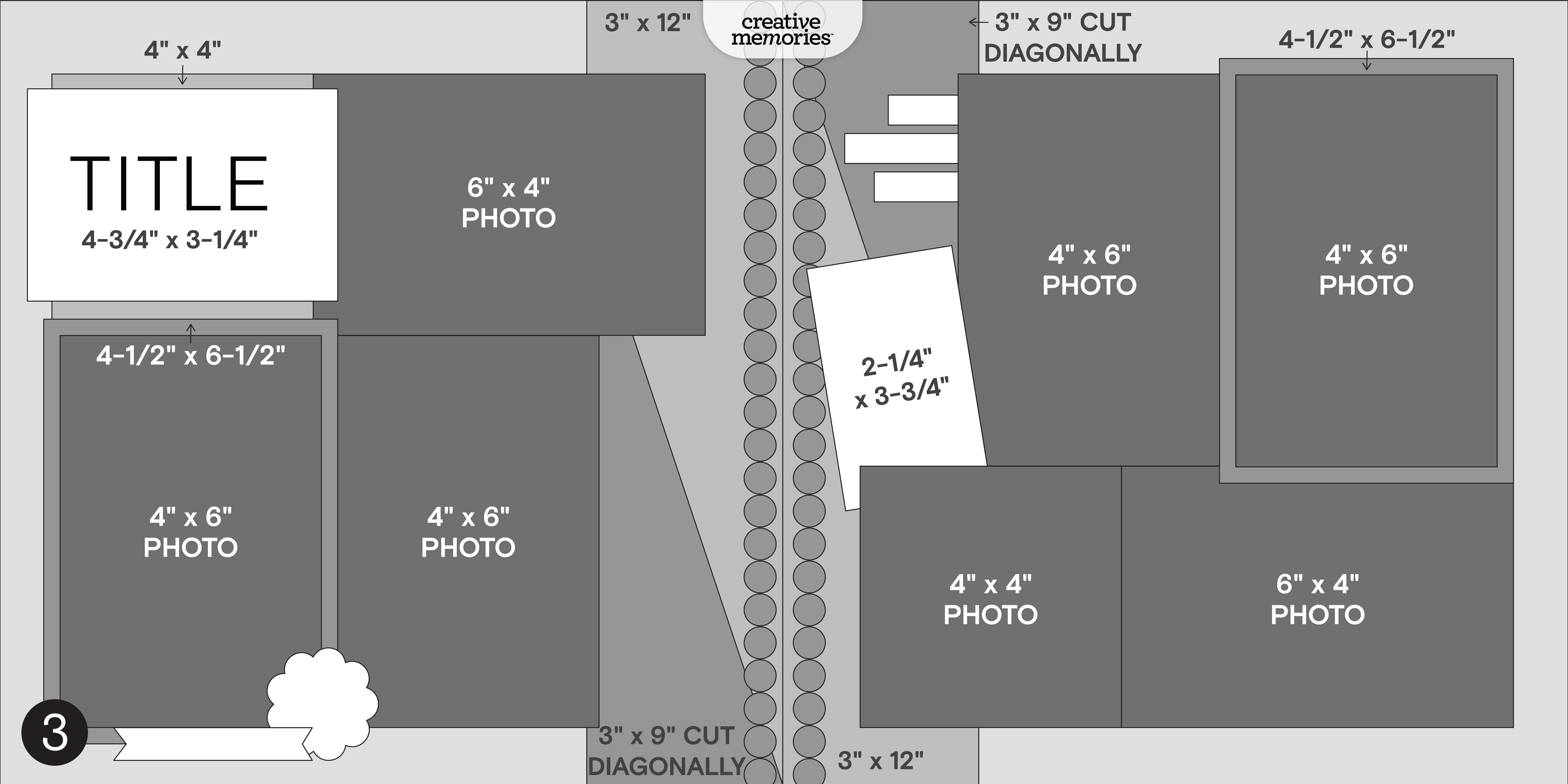
Challenge #3 — #CMVirtualCrop3September2026
Challenge #4 — #CMVirtualCrop4September2026
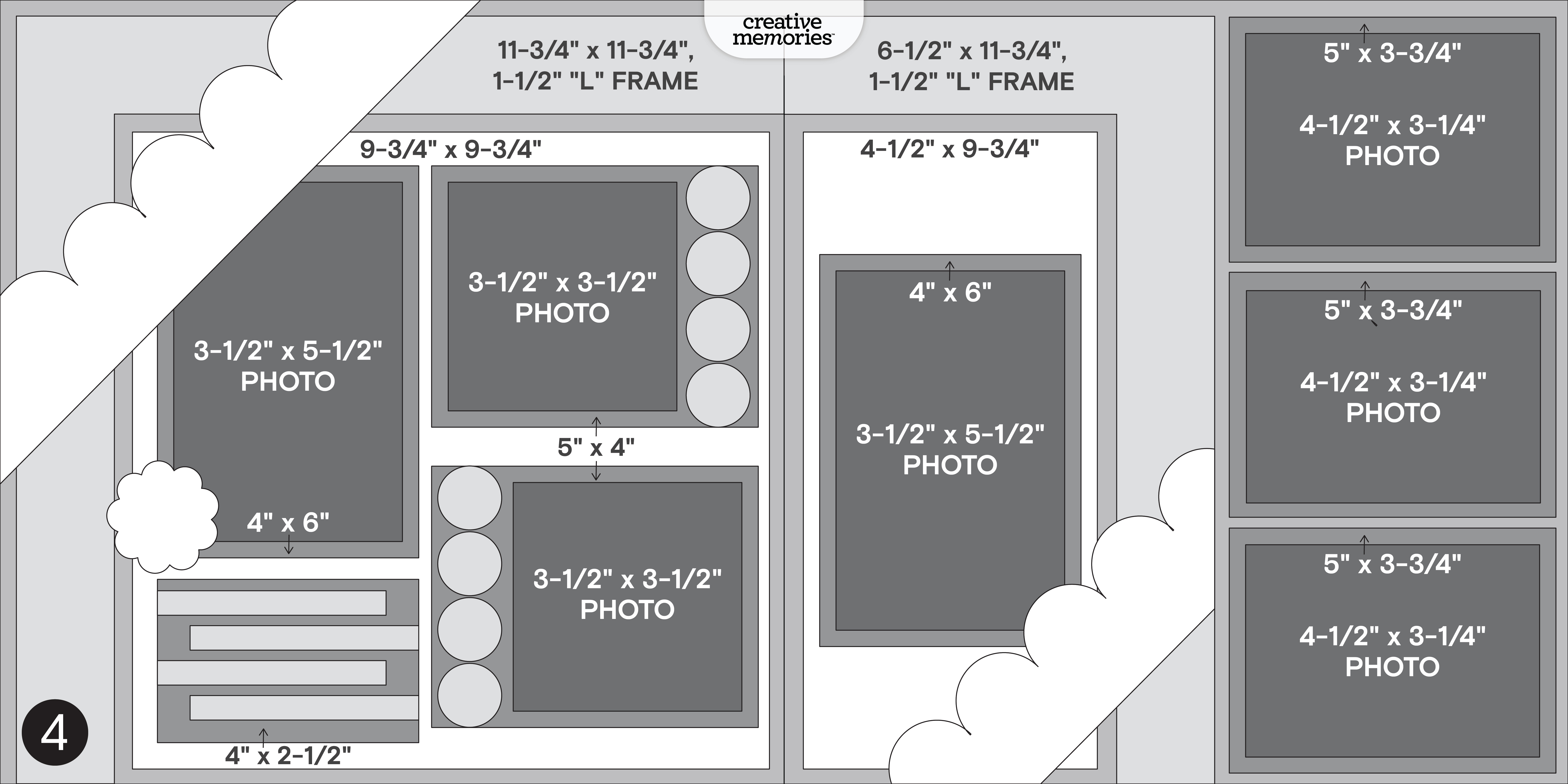
Here’s some inspiration…
Challenge #1
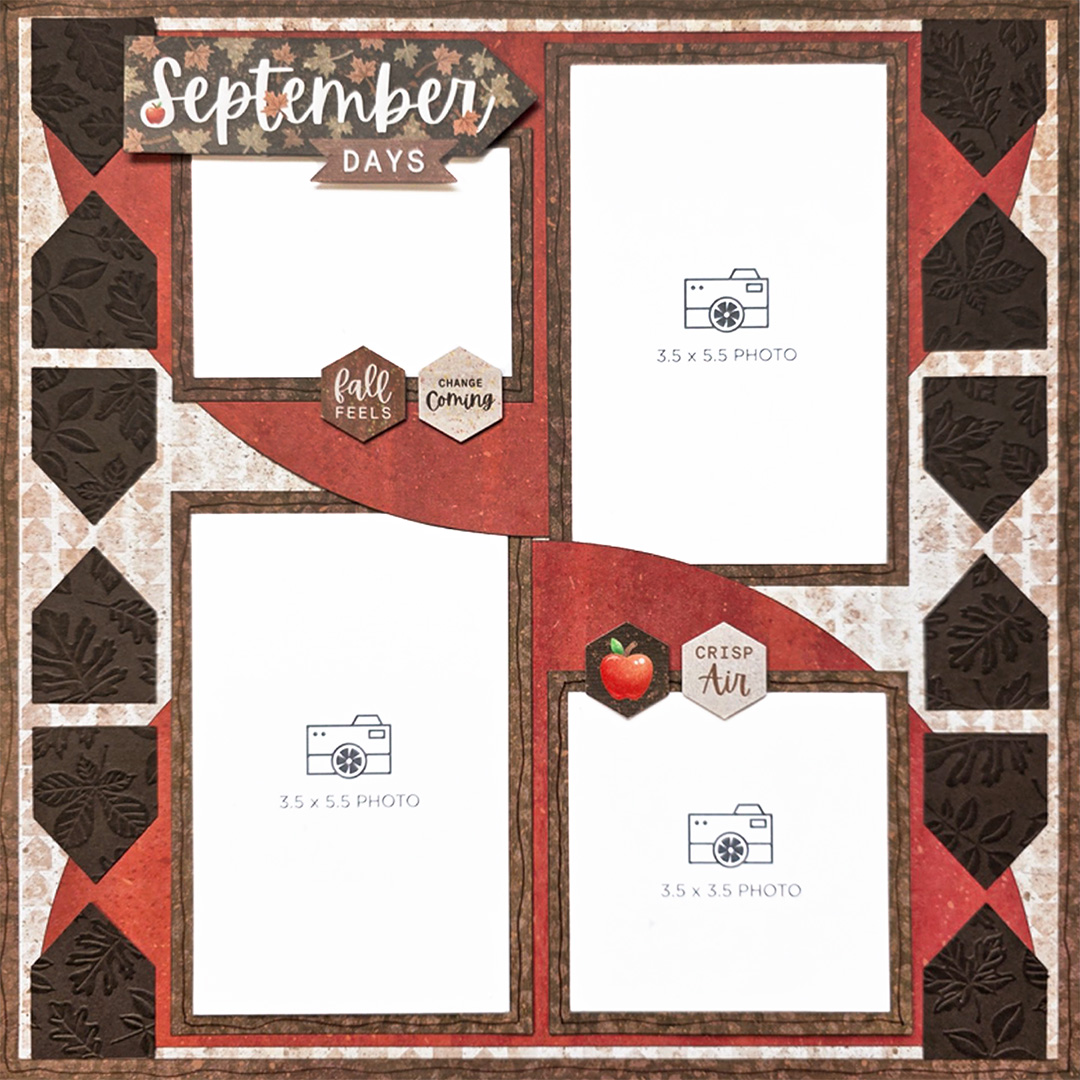
Collection Used: Your Own Way
Meggan’s Tip: “Embossing folders are a wonderful way to add texture and interest to punches like Banner Flag. To make the embossed design stand out even more on a strip of cardstock, lightly ink the raised surface. Using the ink pad itself, apply gentle pressure and move the pad in a circular motion over the raised design. After inking, use a shape punch of your choice!”
Challenge #2
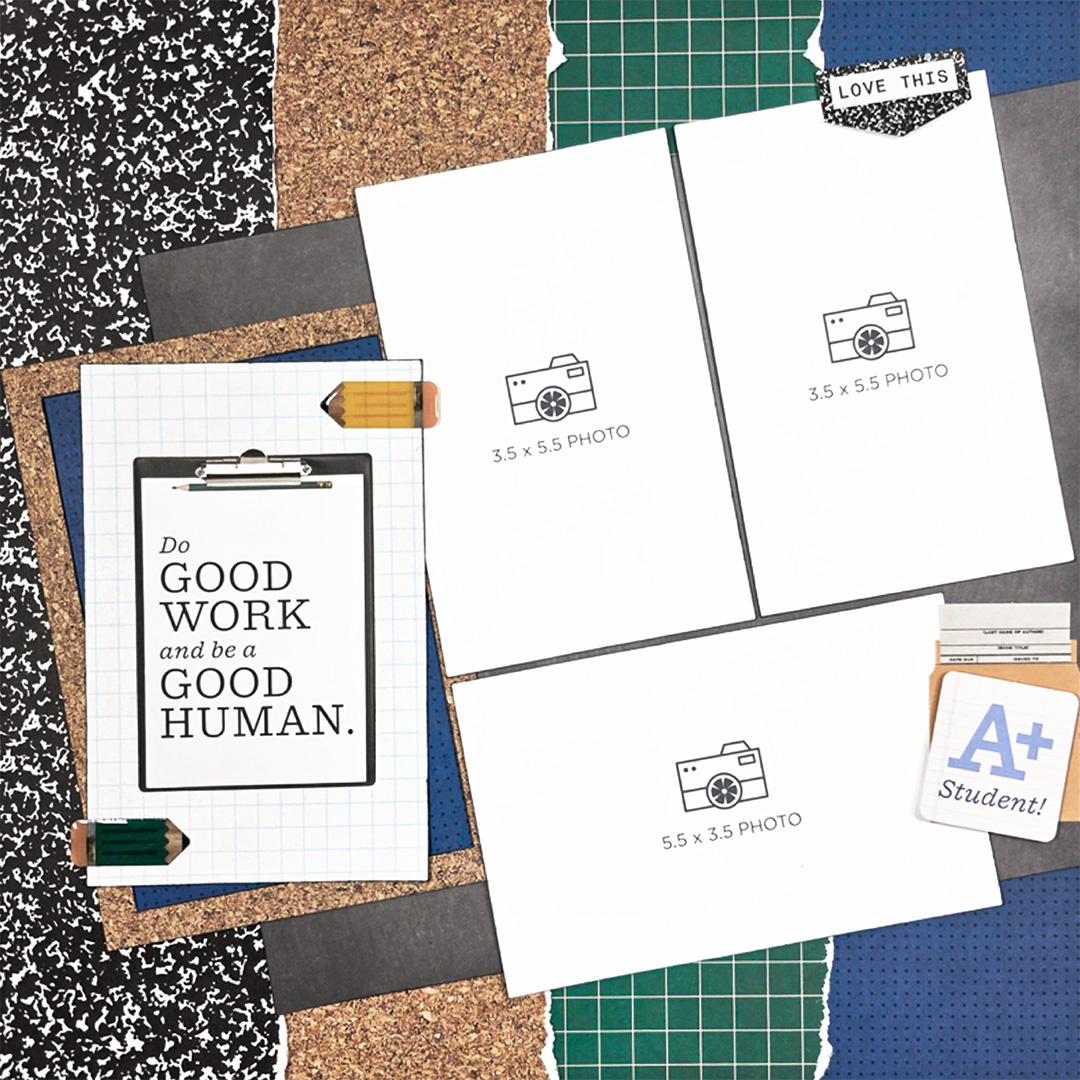
Collection Used: School Years
Meggan’s Tip: “While I used a ruler to tear my paper strips, you can also use a decorative blade to add extra detail along the overlapping edges. Another tip? Cut the large, angled rectangle to size, position it on the page at the desired angle and trim away any excess that extends beyond the edge of the page.”
Challenge #3
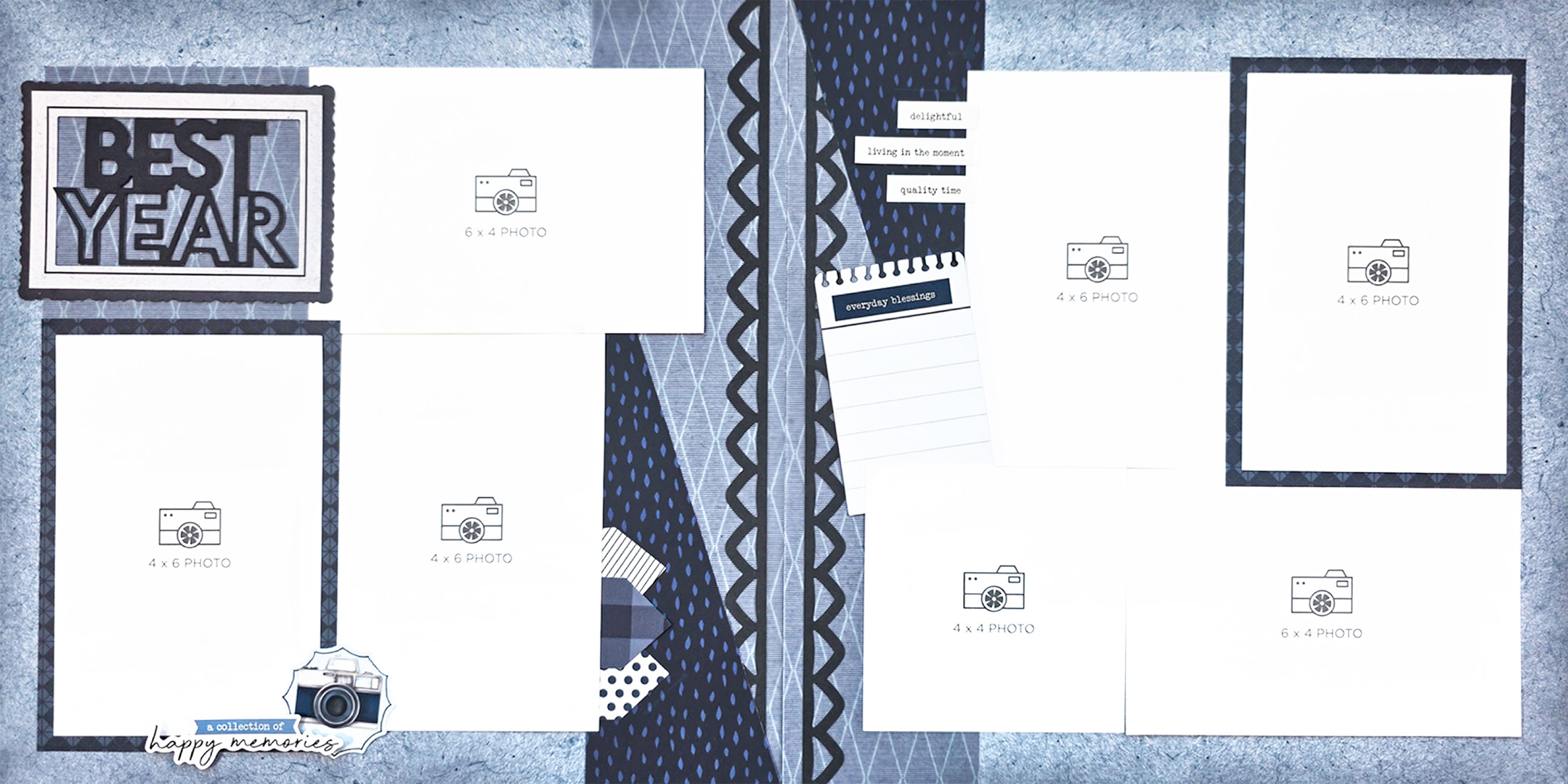
Collection Used: Vivid Melodies
Meggan’s Tip: “Brushing ink around the outside edge of the layout helps frame the design and bring everything together. If you prefer not to have photos touching, leave a 1/8″–1/4″ gap between them. For added separation, use photo mats in place of the photos shown and trim your photos to fit the mats.”
Challenge #4
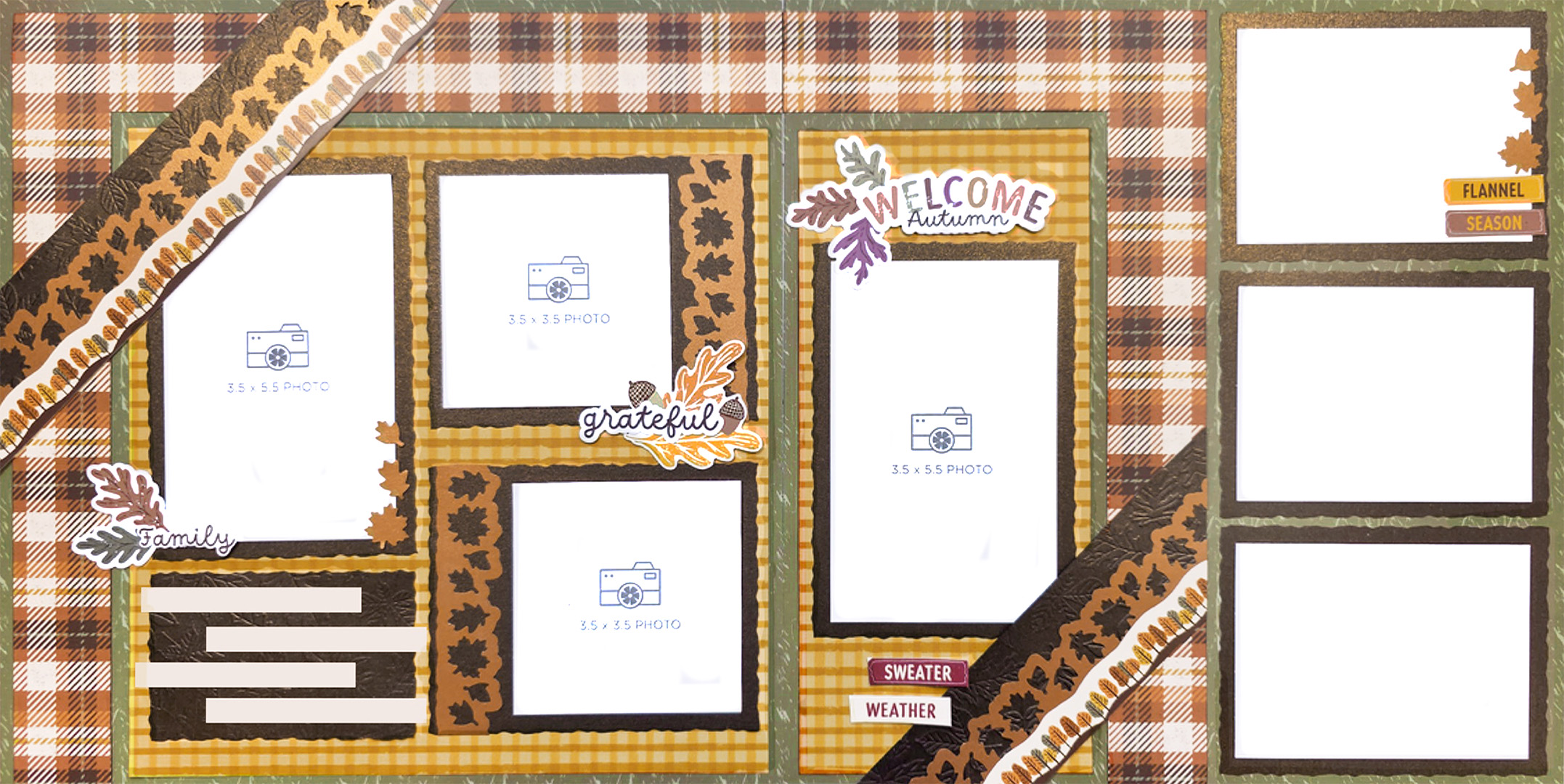
Collection Used: Autumn Abundance
Meggan’s Tip: “Cutting the photo mats with a decorative blade adds a bit of whimsy to the layout. The angled borders are also a great place to use pre-made borders from your stash.
There are two ways to create the L-shaped partial frames around the photos. You can cut each L-shape from a larger piece of paper or create the same look using 1-1/2″ wide strips of paper. If using strips, cut the ends that meet at the corners at 45-degree angles so they fit together to form a mitered corner.”
Prizes
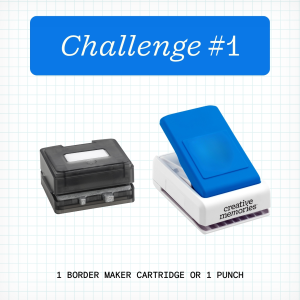
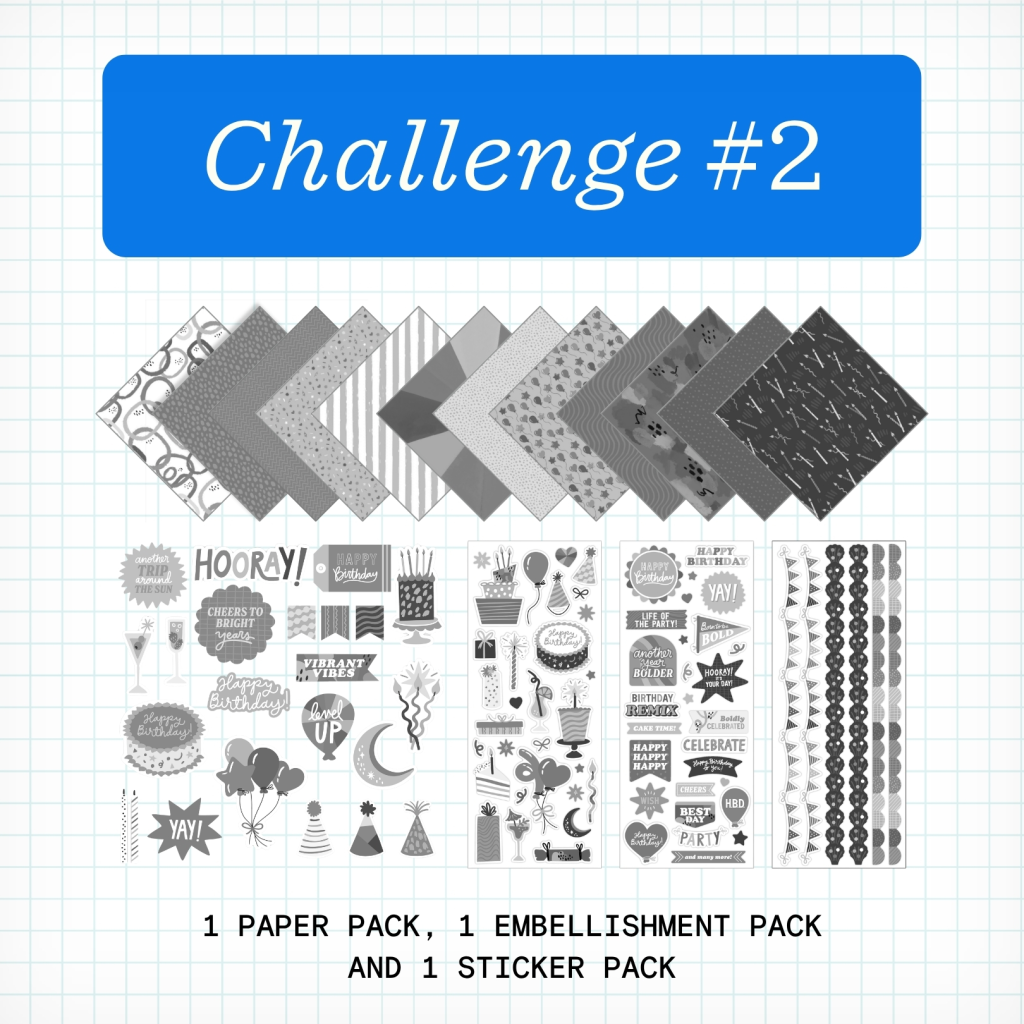
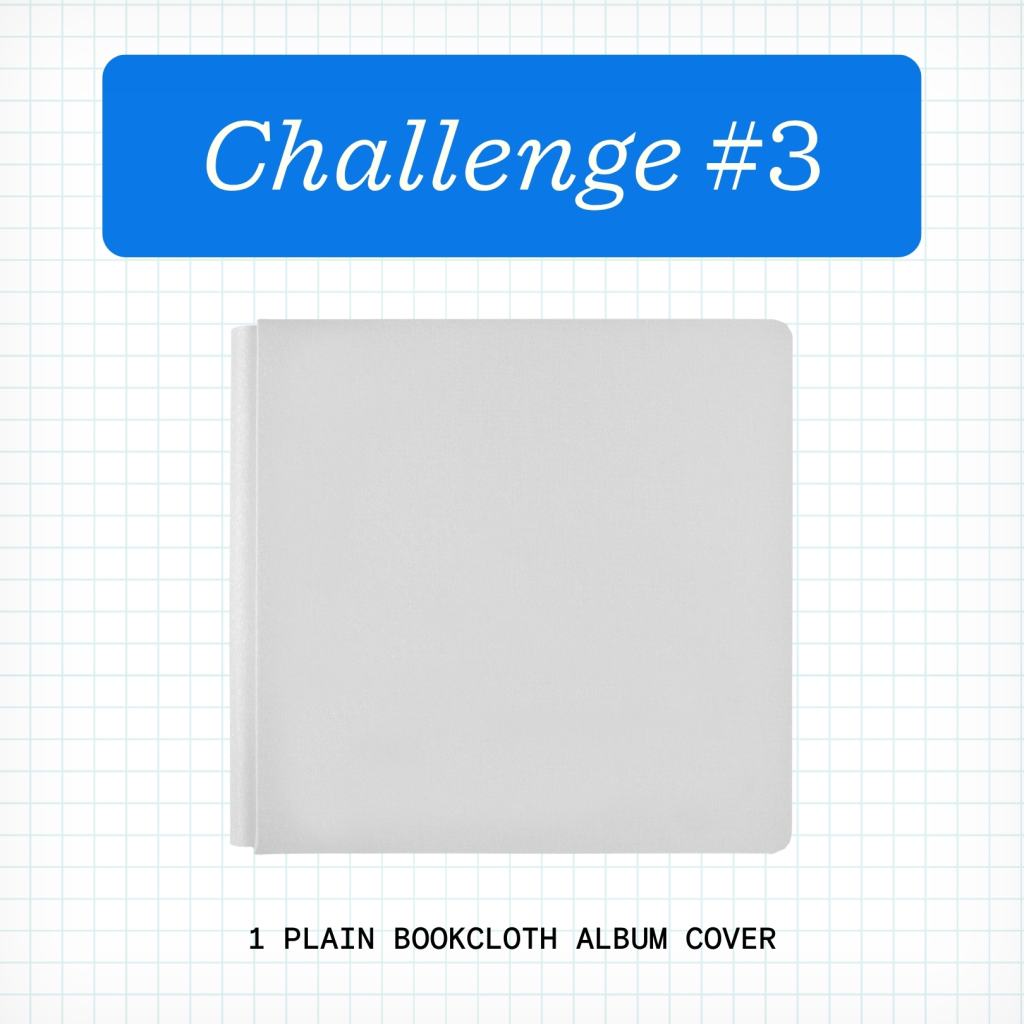
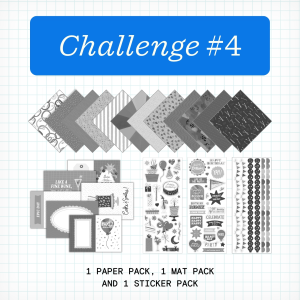
NOTE: The Prize Pack will be awarded to one (1) participant in each challenge. Valid only for products currently in stock (excludes products that are out of stock or expected to return).
We will award the prizes randomly, but to win, it must be obvious you used the sketch we provided as inspiration to create a project. You’re highly encouraged to use Creative Memories products, but it’s not a requirement to win. You have until Tuesday, September 15 at 11:59pm CT (AU: Wednesday, 16 September, at 2:59pm AET) to submit your layouts for a chance to win. Winners will be announced Thursday, September 17, at noon CT (AU: Friday, 18 September, at 3am AET).
Virtual Crop Tracker
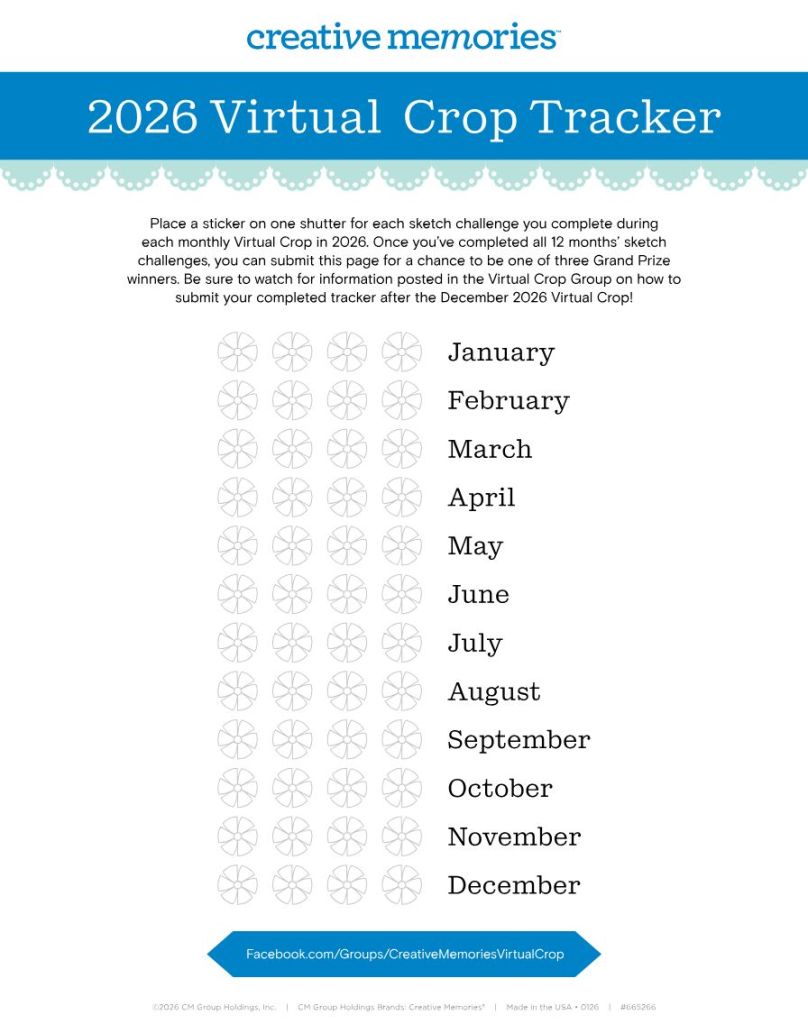
The 2026 Virtual Crop Tracker & Sticker Bundle is on sale now! You can also download the tracker yourself by clicking the image.
Color in or place a sticker on one shutter for each sketch challenge you complete during each monthly Virtual Crop in 2026. Once you’ve completed all 12 months’ sketch challenges (that’s 48 completed pages you’ll be adding to your albums), you can submit your tracker for a chance to be one of three grand prize winners! More information on how to submit will be shared in the Virtual Crop Group as we near the final sketch challenge.
P.S. Are YOU a member of the Virtual Crop Group? It’s your go-to place for MONTHLY Virtual Crops, MONTHLY Completed Album Challenges, QUARTERLY Secret Box Openings with project tutorials and so much more! We hope you’ll join our community of more than 53,000 fellow memory-keeping enthusiasts — you’ll feel right at home!
“Creativity is intelligence having fun.” – Albert Einstein
