September 23, 2026
Put Your Fall Favorites on the Page with Autumn Abundance
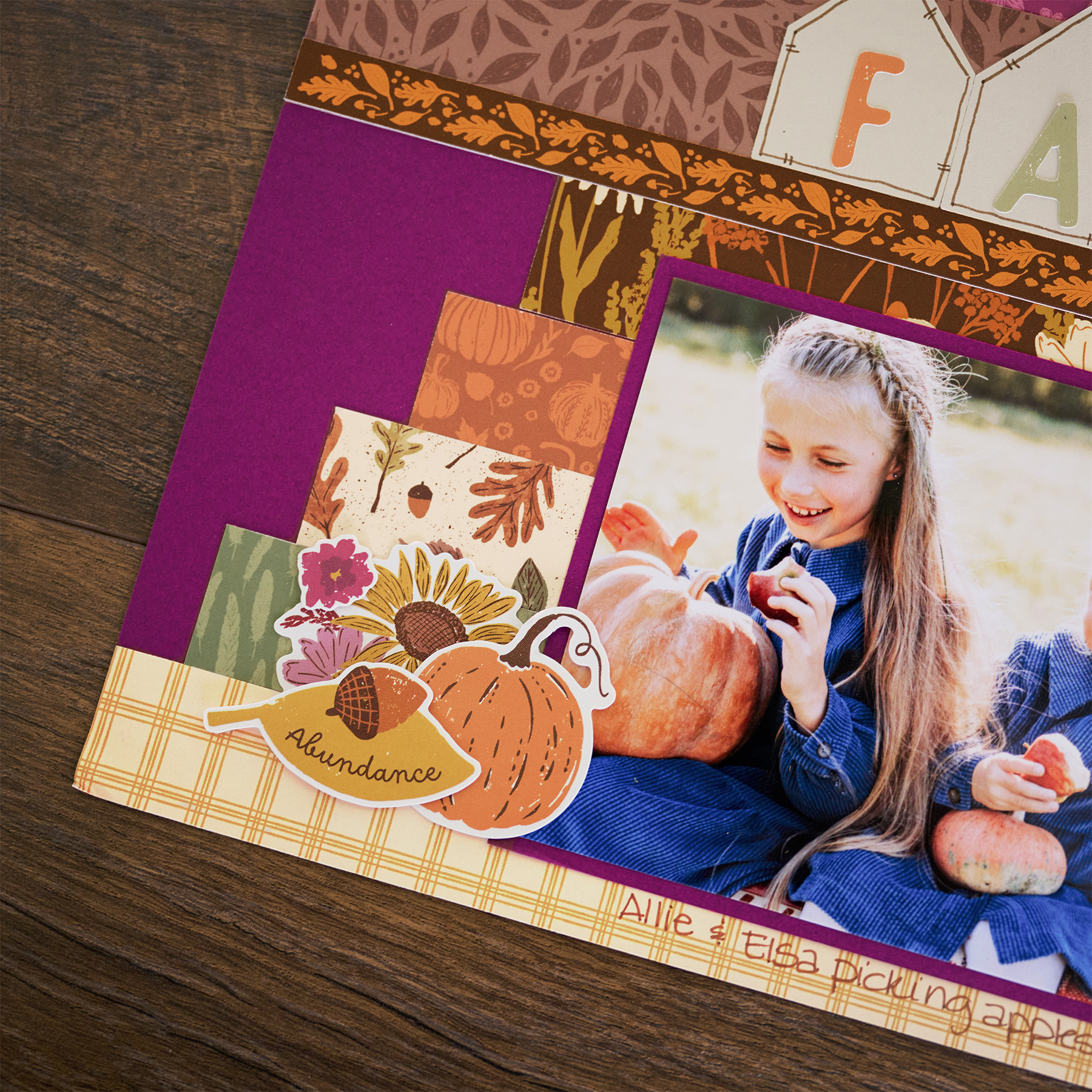
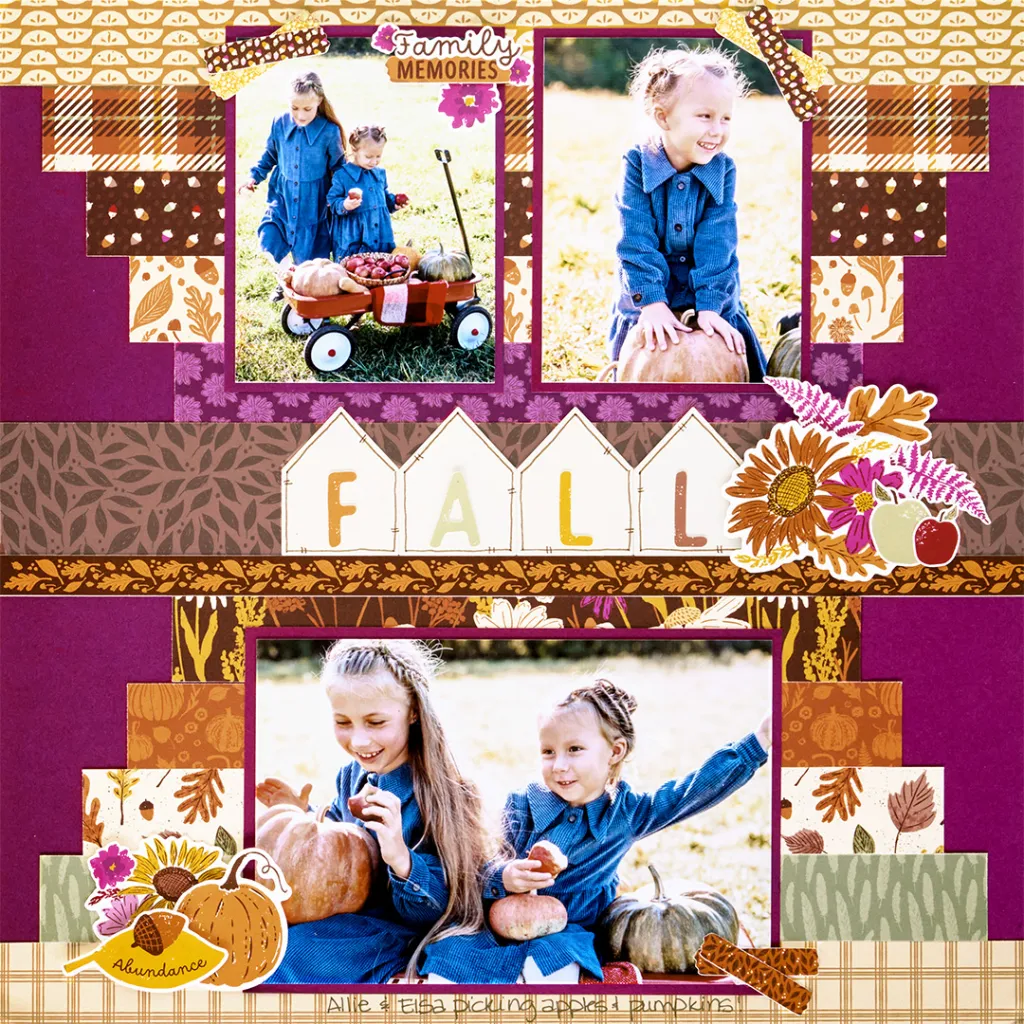
Fall is officially here, and we’re ready to make the most of it. The Autumn Abundance collection brings all the warm colors and playful details you need for a page that feels like the season. Whether you’re scrapping pumpkin patch adventures, crisp days outside or a favorite fall tradition, this layout gives your photos plenty of room to shine. Grab your favorite autumn memories and settle in for a little fall-inspired fun!
To create this layout, you will need:
- Autumn Abundance Paper Pack
- Autumn Abundance Stickers
- Beige Solid Cardstock
- Deep Orchid Solid Cardstock
- Banner Flag Punch
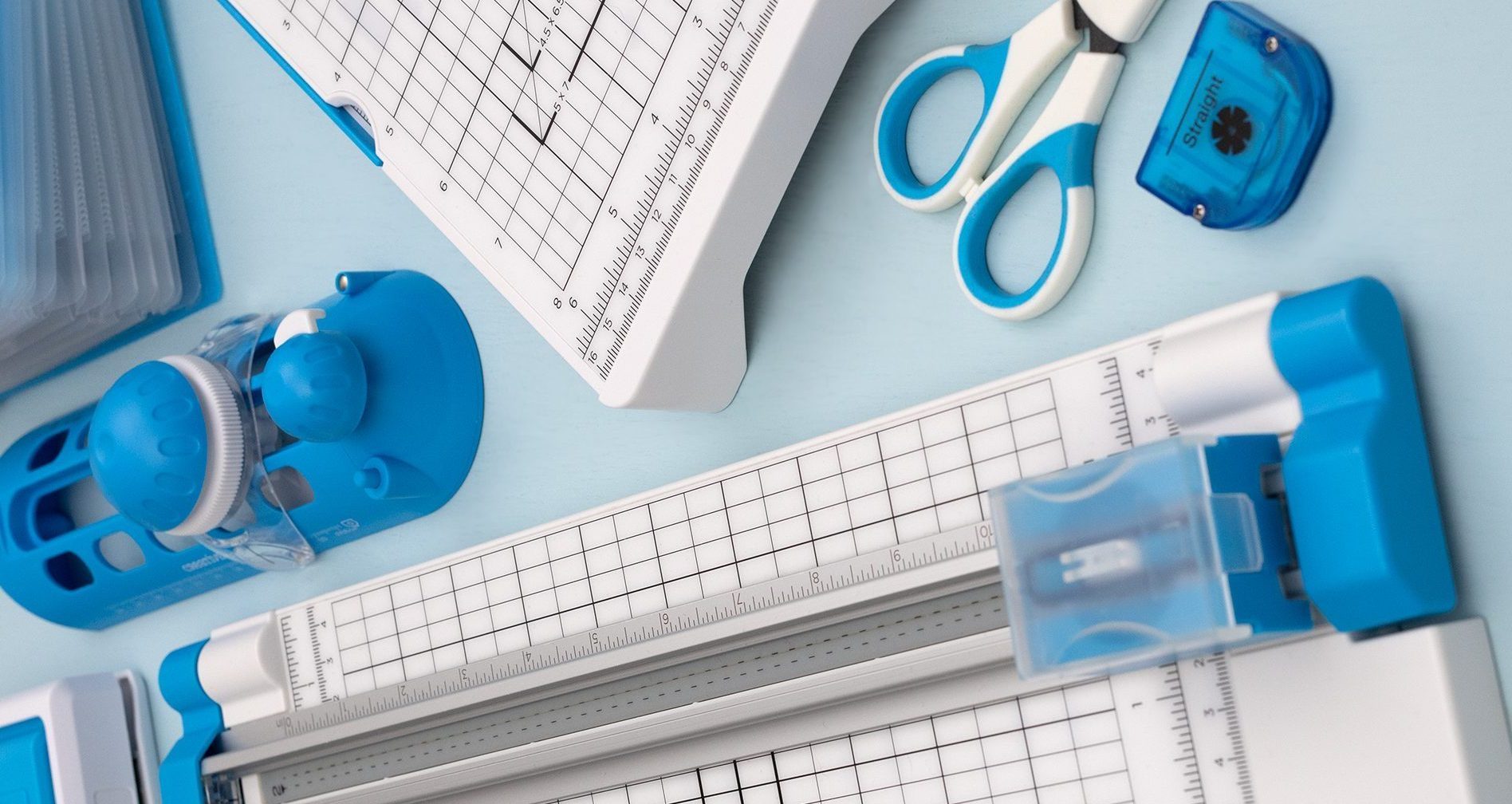
- 12-inch Trimmer
- Photo Trimmer
- Repositionable Tape Runner
- Foam Squares
- Brown Dual-Tip Pen

Love this layout?

Love this layout?

Step 1: Use a piece of Deep Orchid Solid Cardstock for the base of this layout.
Step 2: Cut two strips of designer paper to measure 12″ x 1″. Adhere them to the top and bottom edges of the cardstock base.
Step 3: Cut two strips of designer paper to measure 11″ x 1″. Adhere them to the top and bottom edges of the previous strips.
Step 4: Cut two strips of designer paper to measure 10″ x 1″. Adhere them to the top and bottom edges of the previous strips.
Step 5: Cut two strips of designer paper to measure 9″ x 1″. Adhere them to the top and bottom edges of the previous strips.
Step 6: Cut two strips of designer paper to measure 8″ x 1″. Adhere them to the top and bottom edges of the previous strips.
Step 7: Cut a piece of designer paper to measure 12″ x 2″. Adhere it in the center of the layout horizontally.
Step 8: Using Beige Solid Cardstock, punch four pieces using the Banner Flag Punch. Adhere the pieces in the center of the layout on the 2″ strip.
Step 9: Cut photo mats from Deep Orchid Solid Cardstock in two 3-1/4” x 4-1/4” pieces and one 6-1/4” x 4-1/4” piece. Adhere the mats to the layout.
Step 10: Adhere stickers to the layout, using Foam Squares on some for added dimension. Use a Brown Dual-Tip Pen to add doodles as desired.
Want to recreate this layout?
We’ve gathered all the products featured in this project in one place, making it easy to find the papers, embellishments, tools and more.
P.S. Are YOU a member of the Virtual Crop Group? It’s your go-to place for MONTHLY Virtual Crops, MONTHLY Completed Album Challenges, QUARTERLY Secret Box Openings with project tutorials and so much more! We hope you’ll join our community of more than 53,000 fellow memory-keeping enthusiasts — you’ll feel right at home!


why does print friendly keep popping up when I try to print?
Hi Sue! That Print Friendly window helps format the post for printing! From there, you can either save the post as a PDF or print it right away by selecting the “Print” button at the top.